In the microscopes lab imaging space, two 1600X USB digital microscopes sit at nearly the same price and look remarkably similar on paper. Both promise 0-1600X continuous zoom, 8 adjustable white LEDs, and a plug-and-play USB connection. The 1600X 3-in-1 is $15.59, and the 1600X Zoom 8LED HD USB Microscope is $15.83, so the gap is just 24 cents. That means the right call comes down to how you work and what you plan to examine.
Quick verdict
If your work centers on electronics, coin inspection, and moving between different computers, the 1600X 3-in-1 is the better fit. Its flexible arm, anti-slip base, and broader operating system coverage make it a more adaptable bench tool. If you want one scope for a wide range of lab and inspection tasks, the 1600X Zoom 8LED is the stronger choice because its stated use cases span biology, chemistry, skin and hair examination, textiles, jewelry, printing, and PCB inspection.
Comparison table
| Feature | 1600X 3-in-1 USB Digital Microscope | 1600X Zoom 8LED HD USB Microscope |
|---|---|---|
| Price | $15.59 | $15.83 |
| Magnification | 0-1600X continuous zoom | 0-1600X continuous zoom |
| LED lighting | 8 adjustable white LEDs | 8 adjustable white LEDs |
| Listed OS support | Windows XP/7/8/10/11, macOS 10.3+, Android 4.0+ | Windows 7, 8, 10, XP |
| Construction | Aluminum-alloy frame, flexible stainless-steel arm, anti-slip base | Metal and plastic housing, upright structure |
| Extra highlights | IP54 protection, Type-C adapter, 1.45m cable, memory lock | Broad intended use list from biology to PCB inspection |
Where each product wins
- The 3-in-1 wins for flexible positioning and operating system versatility thanks to the 360° adjustable arm, anti-slip base, memory lock, and compatibility with macOS and Android alongside Windows.
- The Zoom 8LED wins for breadth of use cases. The intended-use list includes biological laboratory work, chemistry, education, skin and hair examination, plant dissecting, textile and jewelry inspection, printing inspection, and PCB or PCBA inspection.
- The two share the same 1600X magnification range and 8-LED lighting, so neither has an edge in raw imaging specs.
1600X 3-in-1 USB Digital Microscope for Electronic Accessories Coin Inspection
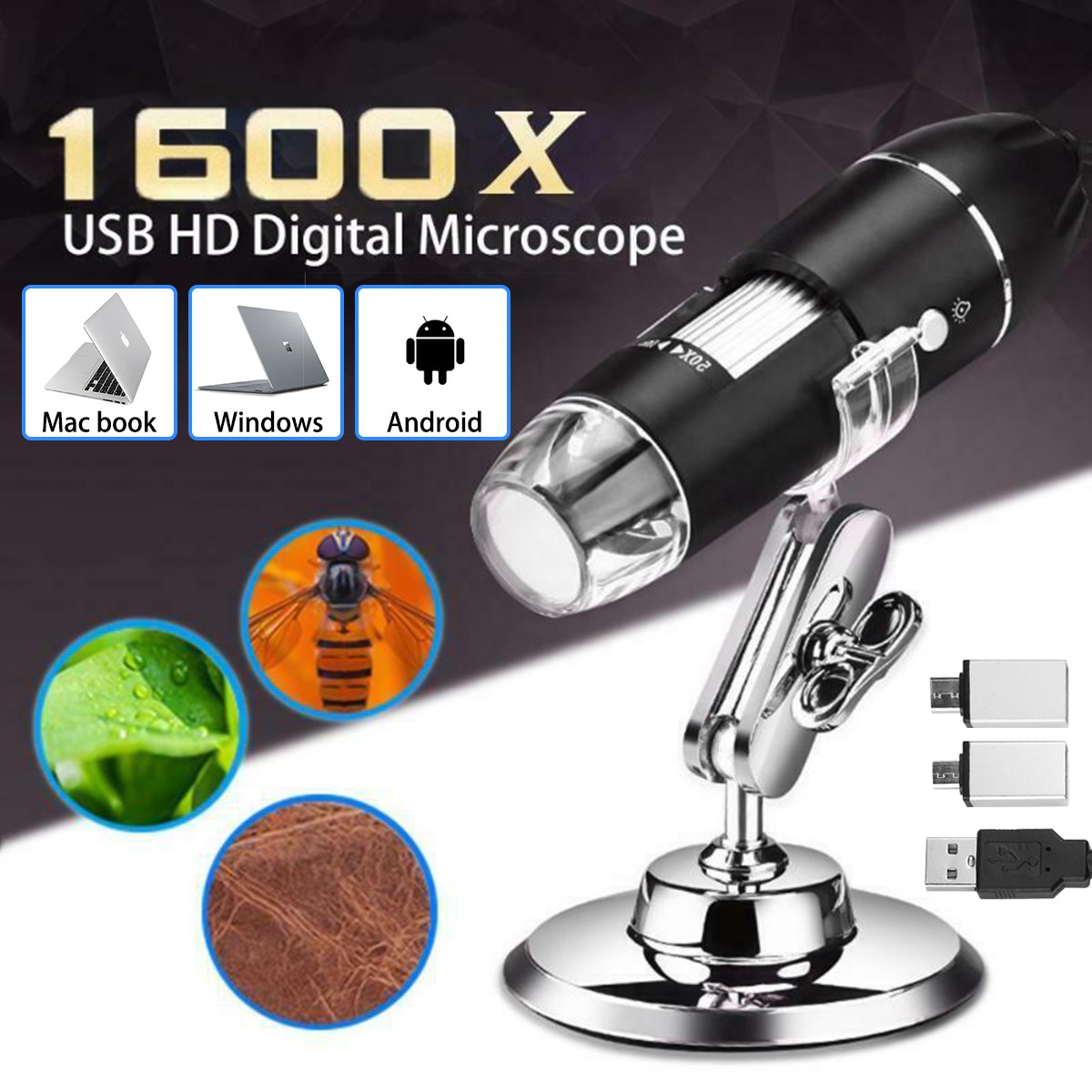
With an aluminum-alloy frame, a 360° flexible stainless-steel arm, and an anti-slip base, this scope is built for positioning over a work surface. The memory lock helps you return to a saved height, and the 280g handheld module with rubber grip makes it comfortable to pick up when you need a closer look. It lists compatibility with Windows XP through 11, macOS 10.3+, and Android 4.0+ via OTG, so it's the strongest choice if you switch between computers. The included Type-C adapter and 1.45m USB cable add setup flexibility. The catch is the title focus on electronic accessories and coin inspection; if your work is mostly biological, the other model's broader use-case list suggests it may be a better fit.
1600X Zoom 8LED HD USB Microscope Digital Magnifier Endoscope Video Camera
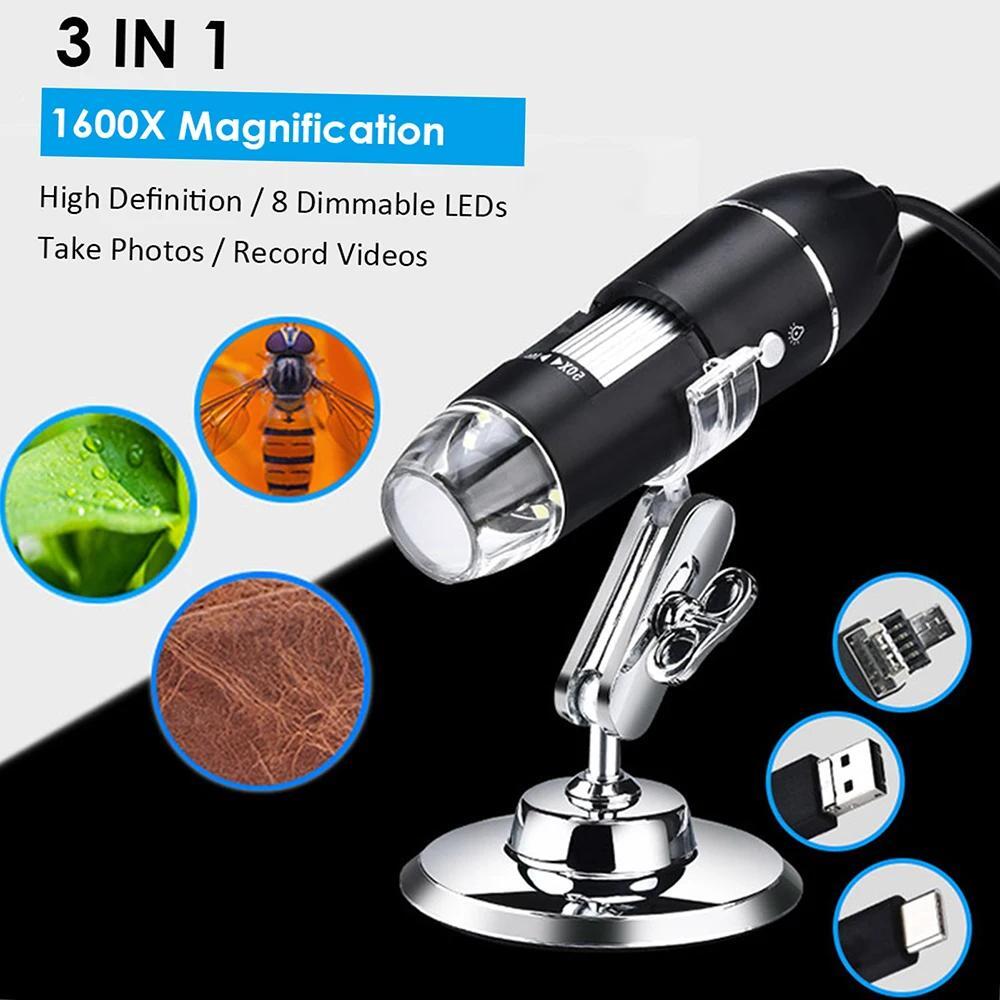
This is the scope to grab when you need one tool for a wide range of viewing tasks. Its intended-use list covers biological laboratory work, chemistry, education, skin and hair examination, plant dissecting, textile and jewelry inspection, printing inspection, and PCB or PCBA inspection. The metal and plastic housing and upright structure keep it straightforward for benchtop use, and the 0-1600X continuous zoom with 8 adjustable white LEDs delivers the same core imaging flexibility as its rival. The limitation is in operating system support: Windows 7, 8, 10, and XP are the system versions listed, so macOS and Android users won't find the same compatibility promise here.
Final choice by use case
Choose the 1600X 3-in-1 USB Digital Microscope when you need a flexible arm for electronics, coins, or similar small parts, and when you want the freedom to plug into Windows, macOS, or Android. Choose the 1600X Zoom 8LED HD USB Microscope when you want a single general-purpose scope for labs, classrooms, and varied inspection work, and you're comfortable using it with Windows systems.