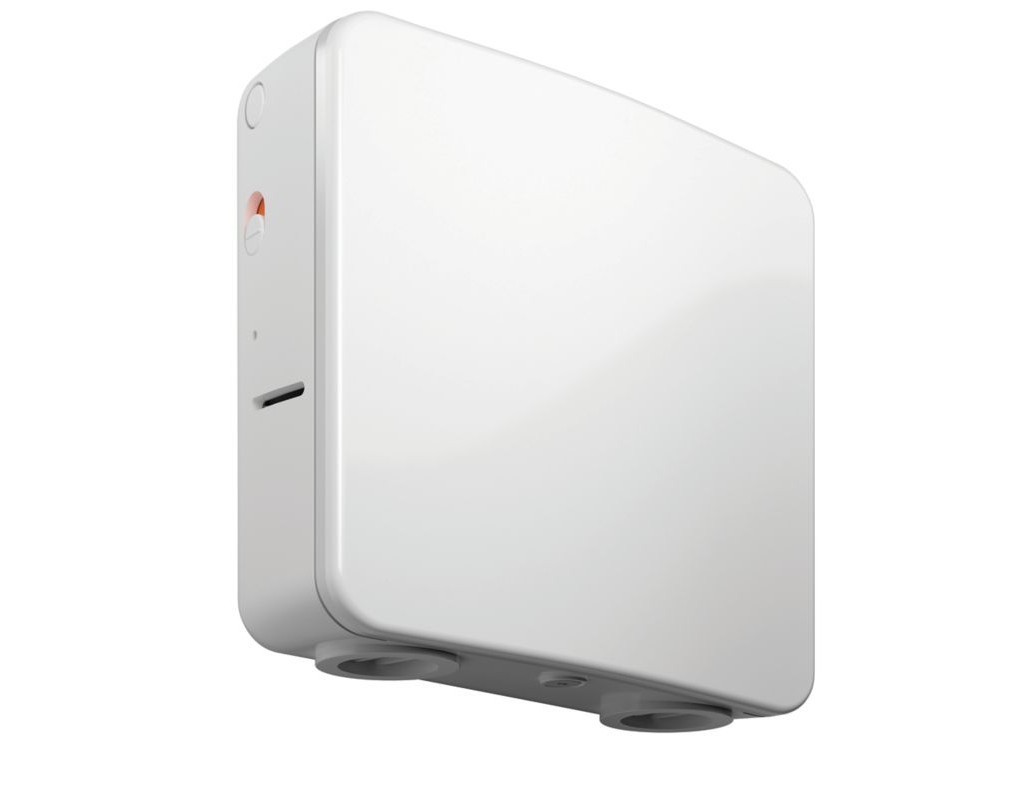

Photos from current listings. Actual item, color, and included accessories may vary.
Smart Air Quality Monitor Buying Guide
A smart air quality monitor is a networked indoor sensor that tracks particulate matter (PM2.5/PM10), volatile organic compounds (VOCs), CO2, temperature, and humidity, then pushes alerts and history to an app or smart-home hub. The core trade-off is sensor quality versus connectivity: electrochemical and laser-scattering sensors with factory calibration hold accuracy for years, while low-cost MOX VOC sensors drift and need frequent baseline recalibration. The decision rule: buy a monitor with published sensor models, a CO2 NDIR channel if you need ventilation proof, and local API or Matter support if you intend automation — skip anything that hides its sensor suite or locks data to one cloud.
Median $422.42 · New listings
Key takeaways
- PM sensors use laser scattering with a typical accuracy of ±10 µg/m³; NDIR CO2 sensors read 400–5,000 ppm at ±50 ppm + 5%, while low-cost eCO2 estimates are derived from VOC and should not be trusted for ventilation decisions.
- Metal-oxide (MOX) VOC sensors drift and require baseline recalibration every few months; photoionization (PID) or electrochemical VOC sensors hold calibration far longer but cost more.
- Connectivity tiers split into Wi-Fi cloud-only (easy, but dead without internet), Wi-Fi + local REST/MQTT API (Home Assistant-friendly), and Matter/Thread or Zigbee (hub-dependent but locally autonomous).
At a glance
- Category
- Environmental & Indoor Air Measurement
- Last updated
- Nov 28, 2026
Current offers
Highlights
- PM sensors use laser scattering with a typical accuracy of ±10 µg/m³; NDIR CO2 sensors read 400–5,000 ppm at ±50 ppm + 5%, while low-cost eCO2 estimates are derived from VOC and should not be trusted for ventilation decisions.
- Metal-oxide (MOX) VOC sensors drift and require baseline recalibration every few months; photoionization (PID) or electrochemical VOC sensors hold calibration far longer but cost more.
- Connectivity tiers split into Wi-Fi cloud-only (easy, but dead without internet), Wi-Fi + local REST/MQTT API (Home Assistant-friendly), and Matter/Thread or Zigbee (hub-dependent but locally autonomous).
- Battery or USB-C power changes placement freedom: battery units sample less often to save power, while always-on USB-C units can run continuous 1-minute logging and drive automations reliably.
Best use cases
- Best fit: a bedroom or nursery where you want PM2.5, CO2, temperature, and humidity with app alerts and history — pick a Wi-Fi unit with an NDIR CO2 channel and a night-mode dim display.
- Best fit: a smart-home automator running Home Assistant or Apple Home — choose a monitor with a documented local API, MQTT, or Matter support so air quality can trigger purifiers, HRV, or fans.
- Wrong fit: a workshop or garage with solvents, welding fumes, or high dust — consumer MOX VOC sensors saturate and misread; use a PID or professional IAQ meter instead.
- Wrong fit: an unheated cabin or outdoor porch — most consumer monitors are rated only for indoor 0–40 °C and will drift or fail in condensing humidity; choose an outdoor-rated PM sensor.
Buying tips
- Require a published sensor list: a laser particle counter for PM2.5/PM10, an NDIR sensor for CO2, and a dedicated temperature/humidity chip — not a single combined MOX chip estimating everything.
- Match connectivity to your automation stack: Wi-Fi + local API/MQTT for Home Assistant, Matter/Thread for Apple Home and Google Home, Zigbee only if you already run a compatible hub.
- Check CO2 range and accuracy: a real NDIR channel should specify 400–5,000 ppm at roughly ±(50 ppm + 5% of reading); units quoting only 'eCO2' are VOC-derived estimates.
- Prefer USB-C continuous power with battery backup for bedrooms and living areas; battery-only units trade sampling frequency and history resolution for portability.
Specs
| PM Sensor | Laser scattering, ±10 µg/m³ |
|---|---|
| CO2 Sensor | NDIR 400–5,000 ppm vs eCO2 |
| VOC Sensor | MOX (drifts) vs PID/electrochemical |
| Connectivity | Wi-Fi cloud / local API / Matter |
Related searches
What to check before buying
- Measure the placement spot: most monitors need 30–60 cm clearance from walls and should sit at breathing height (about 1–1.5 m) away from direct sunlight, registers, and kitchen steam.
- Confirm your Wi-Fi band: many smart monitors are 2.4 GHz-only, so a 5 GHz-only router or isolated guest network will block setup — verify a 2.4 GHz SSID exists.
- Check your smart-home hub: Matter/Thread needs a Thread border router, Zigbee needs a compatible hub, and cloud-only Wi-Fi units need stable internet for alerts and history.
- Match power to placement: confirm a USB-C outlet or battery life that covers your logging interval, and check the display is dimmable for bedrooms and nurseries.
FAQ
Data sources: eBay / Amazon listings and product attribute feeds. Updated Nov 28, 2026.
Some links on this page are affiliate links. If you buy after clicking one, we may earn a commission at no extra cost to you. This does not change which products appear here or their order. Affiliate disclosure.