
Photos from current listings. Actual item, color, and included accessories may vary.
WiFi Weather Station Buying Guide
A WiFi weather station is an indoor display/console paired with wireless outdoor sensors that upload live temperature, humidity, wind, rain, and pressure data to a cloud service for app and web access. The core trade-off is sensor accuracy and wireless range versus the convenience and remote access that WiFi cloud connectivity adds. The decision rule: buy a station with a wired or solar-shielded sensor suite and a documented outdoor sensor range of at least 100 m, because cheap unshielded thermistors and short-range 433 MHz links are the compromises that break reliability.
Median $108.99
Key takeaways
- Sensor suite type: integrated all-in-one (temp/humidity/wind/rain in one housing) vs separate mast-mounted anemometer and rain bucket; separate sensors reduce cross-heating errors.
- Outdoor sensor accuracy depends on a radiation shield (passive louvered or fan-aspirated); unshielded temp sensors read several degrees high in direct sun and are not suitable for home weather records.
- Wireless link: most stations use 433/868/915 MHz proprietary sub-GHz from sensor to console (longer range, lower power) and 2.4 GHz WiFi from console to router for cloud upload.
At a glance
- Category
- Environmental & Indoor Air Measurement
- Last updated
- Nov 28, 2026
Current offers
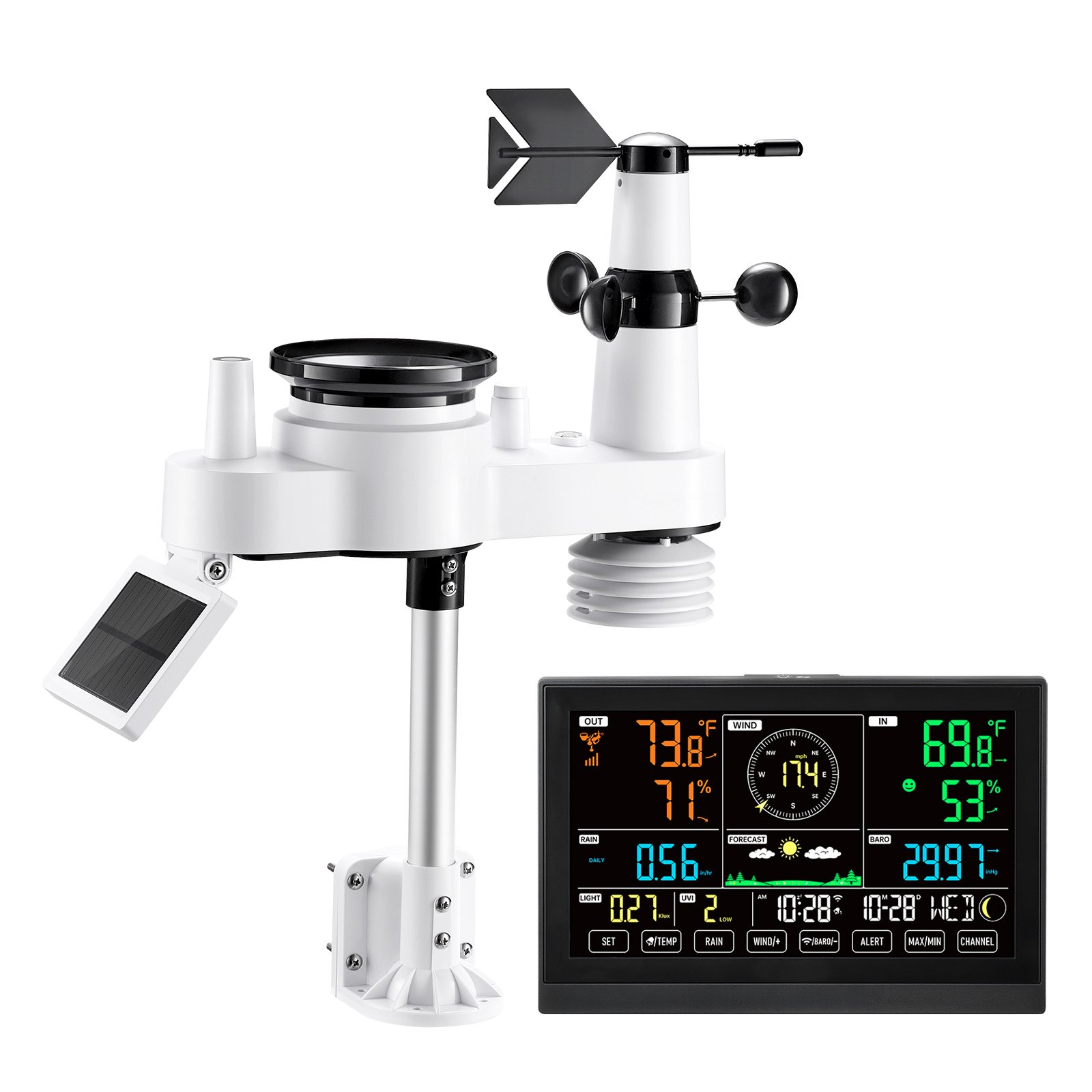 7-in-1 Wi-Fi Weather Station With APP, 7.5-Inch VA Display, Wireless Solar Powered Outdoor Sensor, Rain Gauge, Indoor For Forecast, Wind Speed, Temperature, Humidity, Rainfall$105.99View on Mallflare
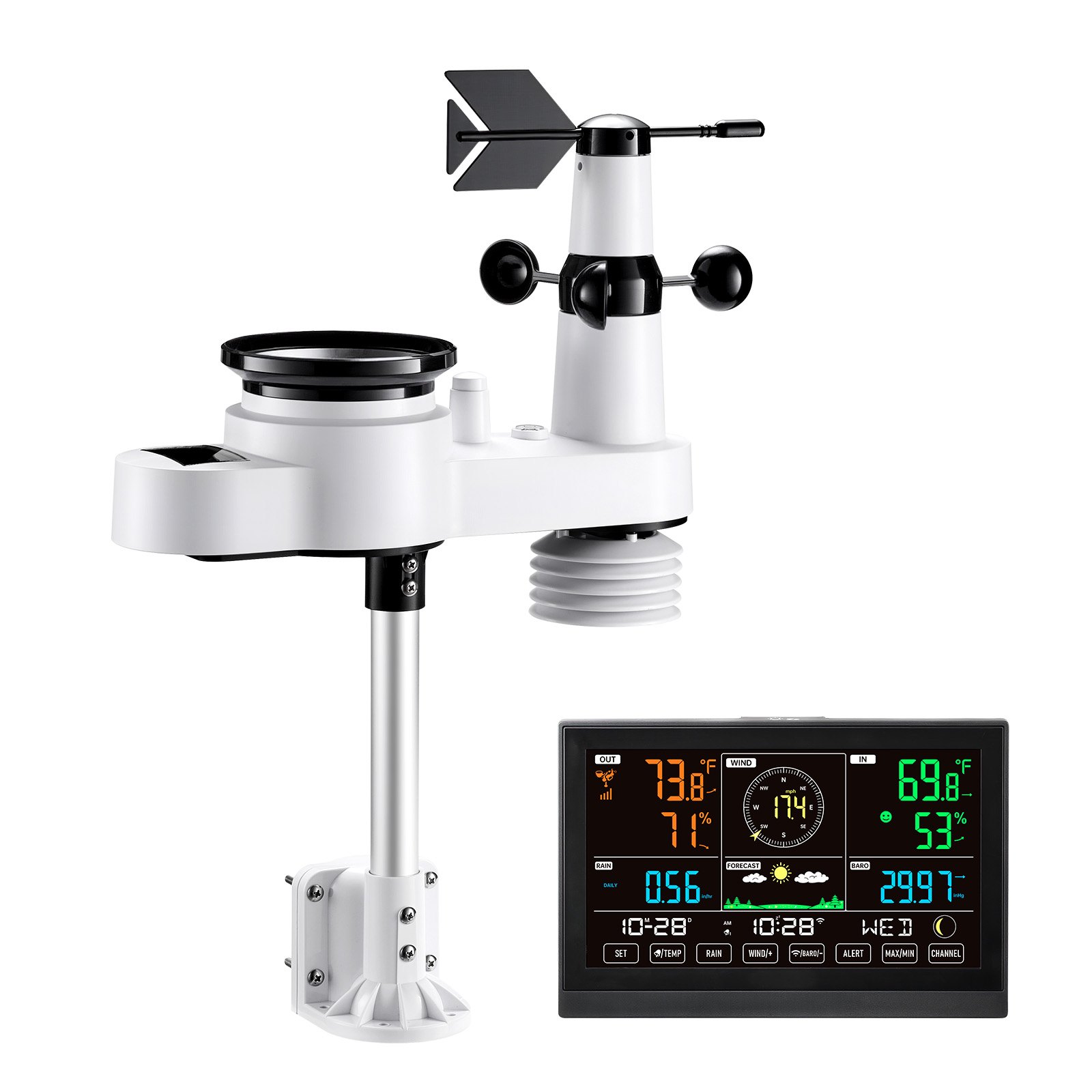 5-in-1 Wi-Fi Weather Station, 7.5-Inch VA Display, Wireless Solar Powered Outdoor Sensor, Rain Gauge, Indoor For Forecast, Wind Speed Direction, Temperature, Humidity, Rainfall$105.99View on Mallflare
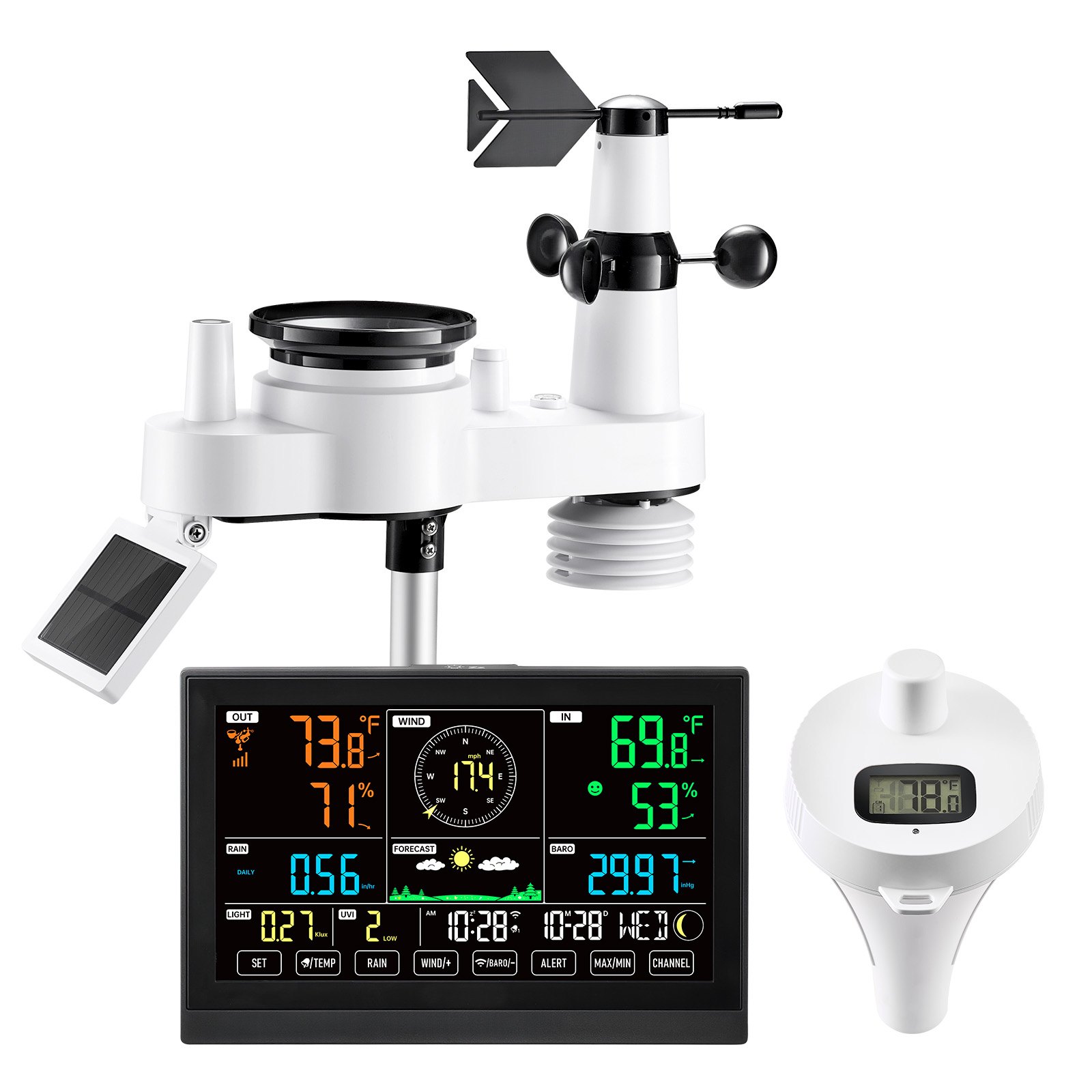 7-in-1 Wi-Fi Weather Station With APP, 7.5 In Display, Wireless Solar Powered Outdoor Sensor, Pool Thermometer, Rain Gauge, Indoor For Forecast, Wind Speed, Temperature$111.99View on Mallflare
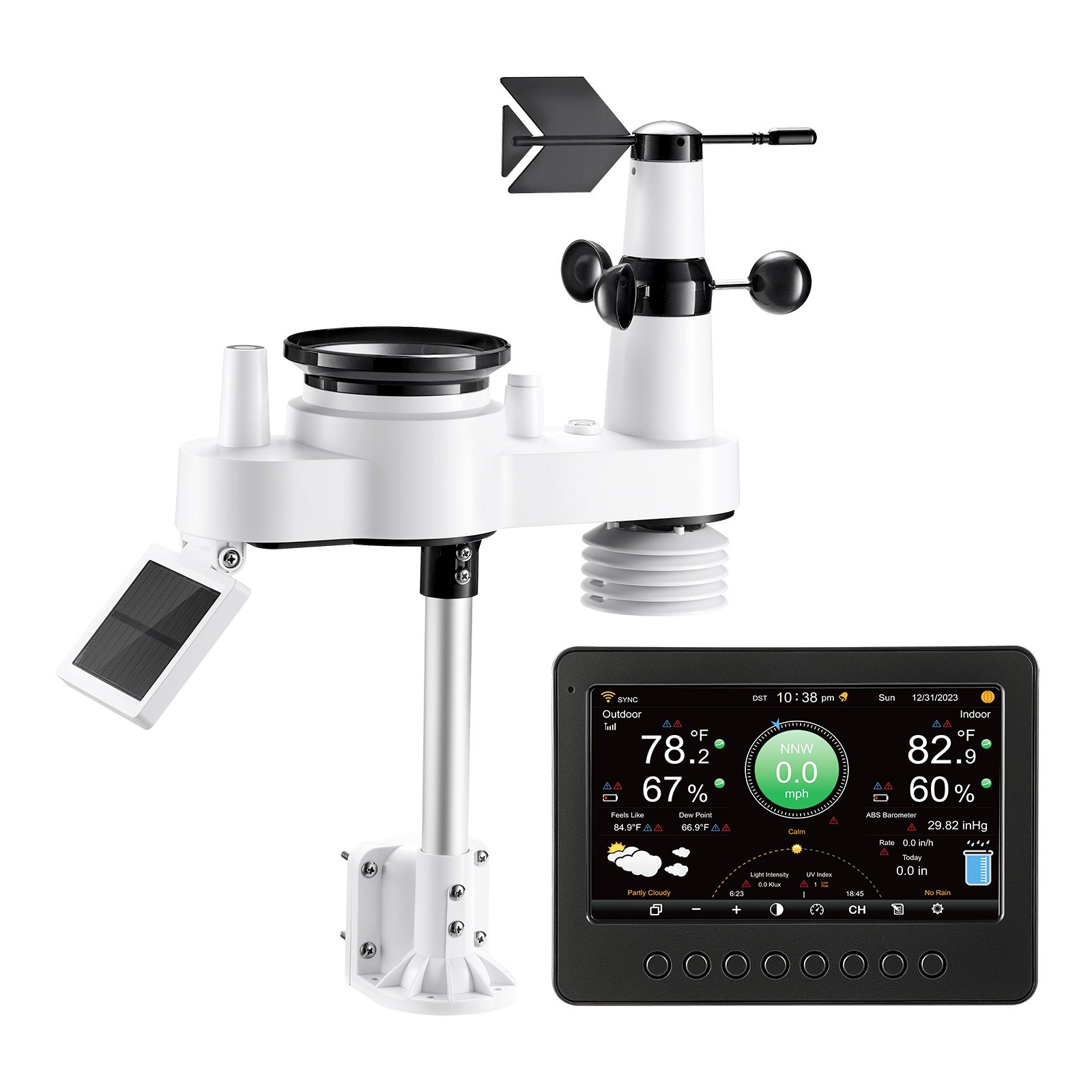 7-in-1 Wi-Fi Weather Station, 7-Inch TFT Display, Wireless Solar Powered Outdoor Sensor, Rain Gauge, Indoor For Forecast, Wind Speed Direction, Temperature, Humidity, Rainfall$146.99View on Mallflare
Highlights
- Sensor suite type: integrated all-in-one (temp/humidity/wind/rain in one housing) vs separate mast-mounted anemometer and rain bucket; separate sensors reduce cross-heating errors.
- Outdoor sensor accuracy depends on a radiation shield (passive louvered or fan-aspirated); unshielded temp sensors read several degrees high in direct sun and are not suitable for home weather records.
- Wireless link: most stations use 433/868/915 MHz proprietary sub-GHz from sensor to console (longer range, lower power) and 2.4 GHz WiFi from console to router for cloud upload.
- WiFi band compatibility: the console or gateway must support 2.4 GHz; many low-cost units will not join 5 GHz-only or WPA3-only networks, which is a common setup failure.
Best use cases
- Best fit: a homeowner who wants phone and web access to yard temperature, wind, and rain while away — pick a station with a documented cloud upload interval and a 2.4 GHz gateway.
- Best fit: a gardener or small-farm user tracking frost and rainfall — choose separate mast-mounted sensors with a radiation shield and at least 100 m sensor-to-console range.
- Wrong fit: a buyer who wants certified, calibrated reference data for research or legal records — consumer WiFi stations drift and need periodic comparison against a reference; use a calibrated professional sensor instead.
- Skip if: you only need indoor conditions or a single room reading — a WiFi hygrometer/thermometer with no outdoor mast is cheaper, simpler, and has no wind/rain alignment work.
Buying tips
- Match sensor range to your yard: sub-GHz 433 MHz links typically reach 100 m line-of-sight, but each exterior wall can cost significant range; mount the sensor mast within the documented range of the console.
- Prefer a station whose outdoor sensor uses a louvered radiation shield; fan-aspirated shields are better but require power or a solar panel at the mast.
- Check power architecture: solar panel plus backup batteries at the sensor suite avoids winter battery swaps, while a console with USB power and battery backup keeps cloud uploads alive through outages.
- Require 2.4 GHz WiFi support (802.11 b/g/n) and WPA2 compatibility on the console or gateway; if your router is 5 GHz-only or WPA3-only, plan a 2.4 GHz guest network.
Specs
| Sensor Link | Sub-GHz 433/868/915 MHz, ~100 m LOS |
|---|---|
| WiFi Band | 2.4 GHz 802.11 b/g/n, WPA2 |
| Temp Shield | Louvered passive vs fan-aspirated |
| Sensor Suite | All-in-one vs separate mast sensors |
Related searches
What to check before buying
- Measure your mounting plan: the mast must clear nearby buildings and trees for accurate wind, and the outdoor sensor must sit within the station's documented wireless range from the indoor console.
- Confirm your router broadcasts a 2.4 GHz SSID and that you have the WiFi password and a phone with the vendor app ready before pairing.
- Check the sensor suite's power needs: solar panel orientation and backup battery type (often AA) determine maintenance frequency and winter reliability.
- Verify the console's cloud service works with your preferred app or weather platform and that any needed gateway or bridge is included, not sold separately.
FAQ
Data sources: eBay / Amazon listings and product attribute feeds. Updated Nov 28, 2026.
Some links on this page are affiliate links. If you buy after clicking one, we may earn a commission at no extra cost to you. This does not change which products appear here or their order. Affiliate disclosure.