
Photos from current listings. Actual item, color, and included accessories may vary.
Digital Microscope With Screen Buying Guide
A digital microscope with a screen integrates the optics, sensor, and display into one standalone unit, eliminating the need for a PC or eyepiece. The primary trade-off is between the convenience of an all-in-one LCD screen versus the image quality and flexibility of a traditional optical microscope or a USB camera. The clear decision rule: choose a screen-equipped model only if you need untethered operation in the field or at a bench, and prioritize sensor resolution and screen size over inflated magnification claims.
Median $78.49 · Pre-owned listings
Key takeaways
- Screen size drives usability: 4.3-inch LCDs are the compact standard, while 7-inch and larger screens reduce eye strain for extended soldering or inspection sessions.
- Sensor resolution matters more than digital zoom: native 1080p sensors deliver sharp detail, whereas 1000X claims are digital interpolation and offer no real optical gain.
- Battery capacity determines portability: 2000mAh internal cells typically yield 2-4 hours of cordless use, while units without batteries require constant USB power.
At a glance
- Category
- Microscopes & Lab Imaging
- Last updated
- Nov 28, 2026
Current offers
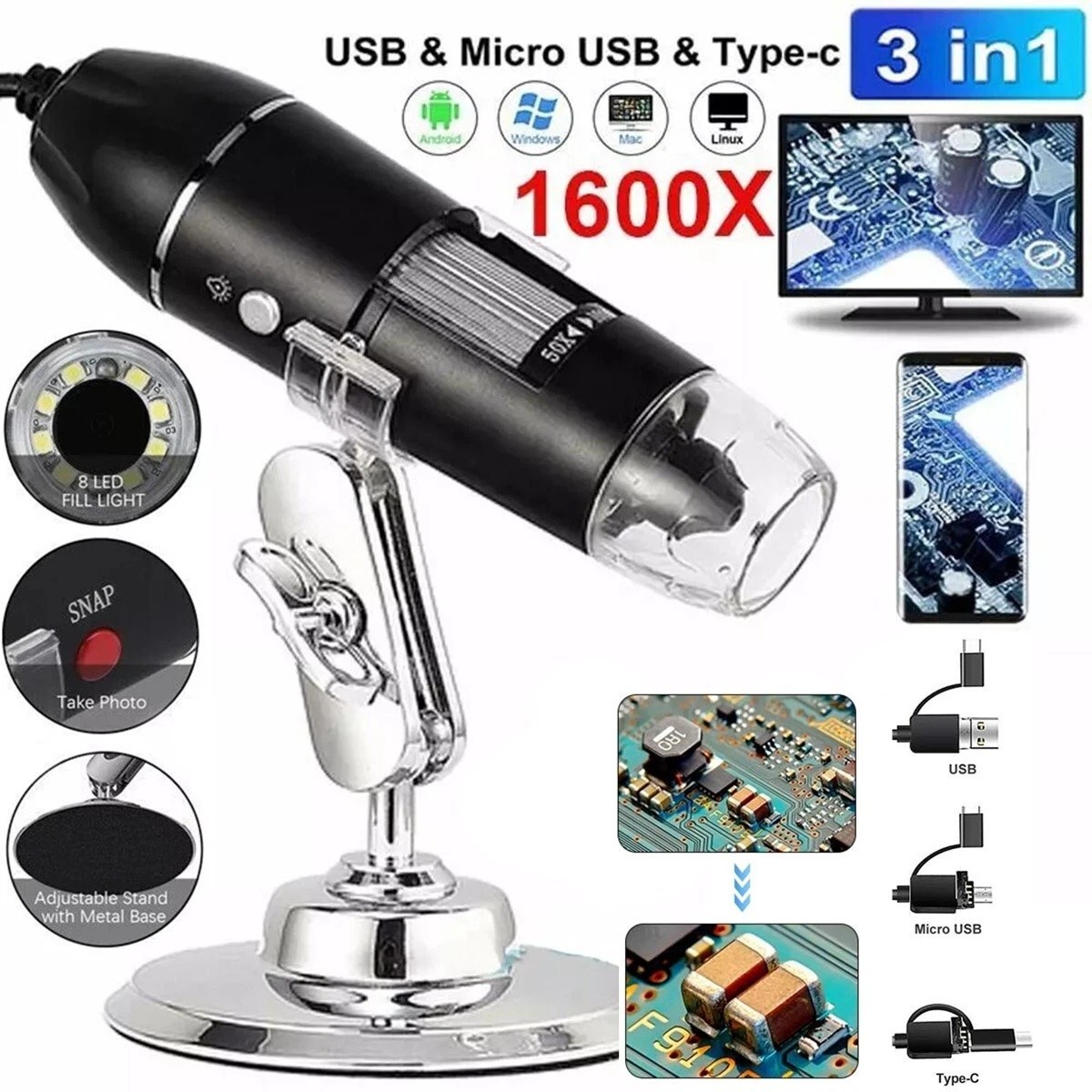 1600x Zoom 8 LED HD USB Microscope Digital Magnifier Endoscope Video Camera US$15.49View on eBay
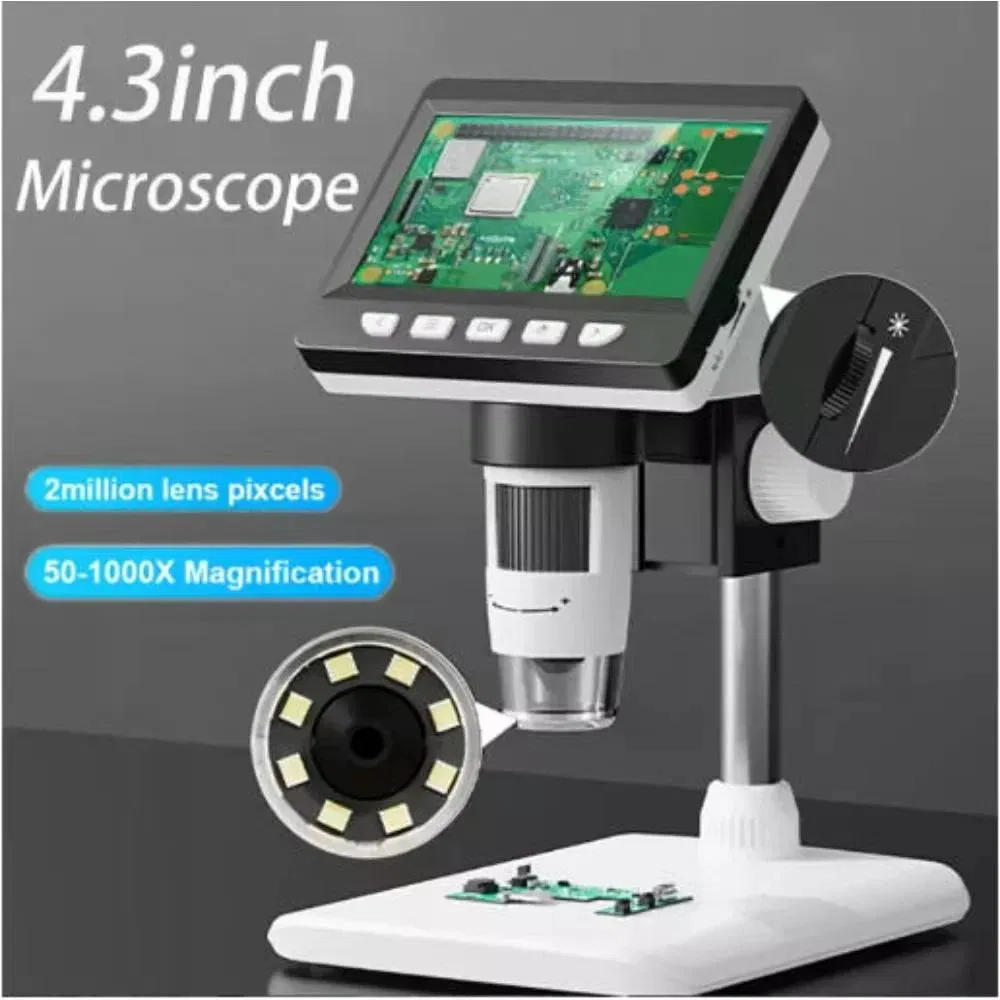 4.3 Inch HD Digital Microscope 50-1600X 8 LED Fill Light 2000mAh Battery Photo Video Manual Focus Adjustable Stand USB Connect for Electronic Repair Jewelry Industrial Teaching Household Black White$68.99View on Mallflare
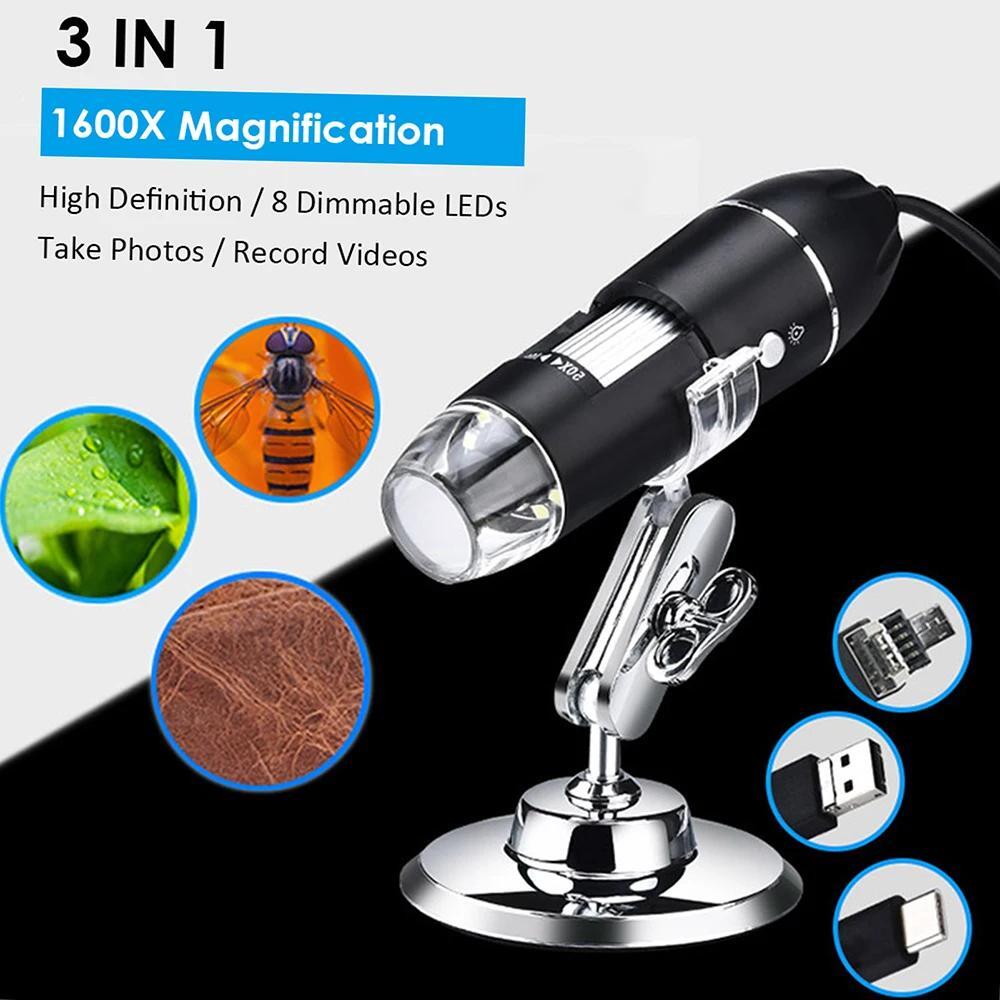 1600X Zoom 8LED HD USB Microscope Digital Magnifier Endoscope Video Camera$15.83View on eBay
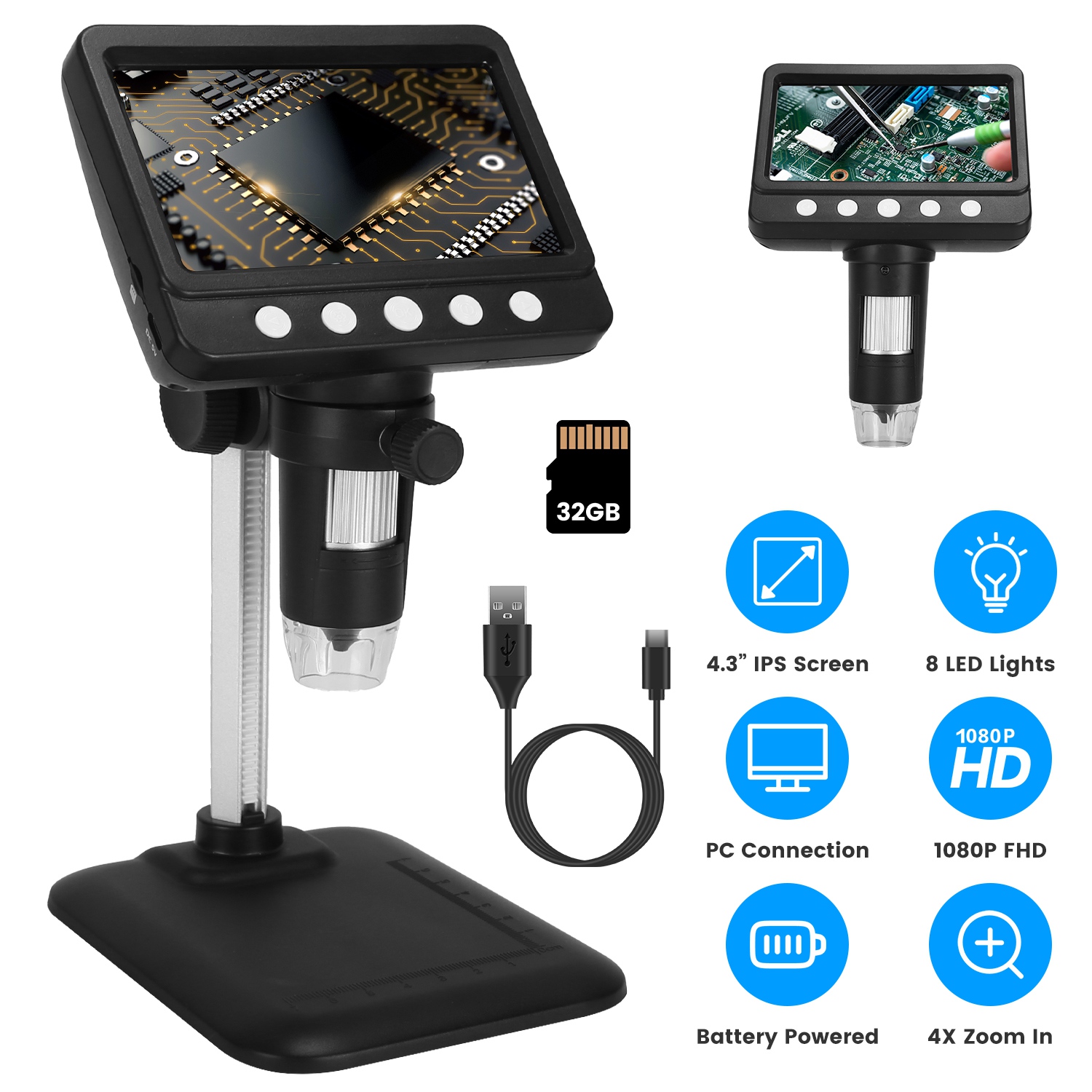 1Pc 4.3Inch LCD Digital Microscope 1,000X 1080P Photo Video Error Coin Magnifier With 8 Dimmable LED Lights PC Views Compatible MacOS Windows Included 32GB Card$74.99View on Mallflare
- 1600x Zoom 8 LED HD USB Microscope Digital Magnifier Endoscope Video Camera US$15.99Last checked Nov 27, 2026View on eBay
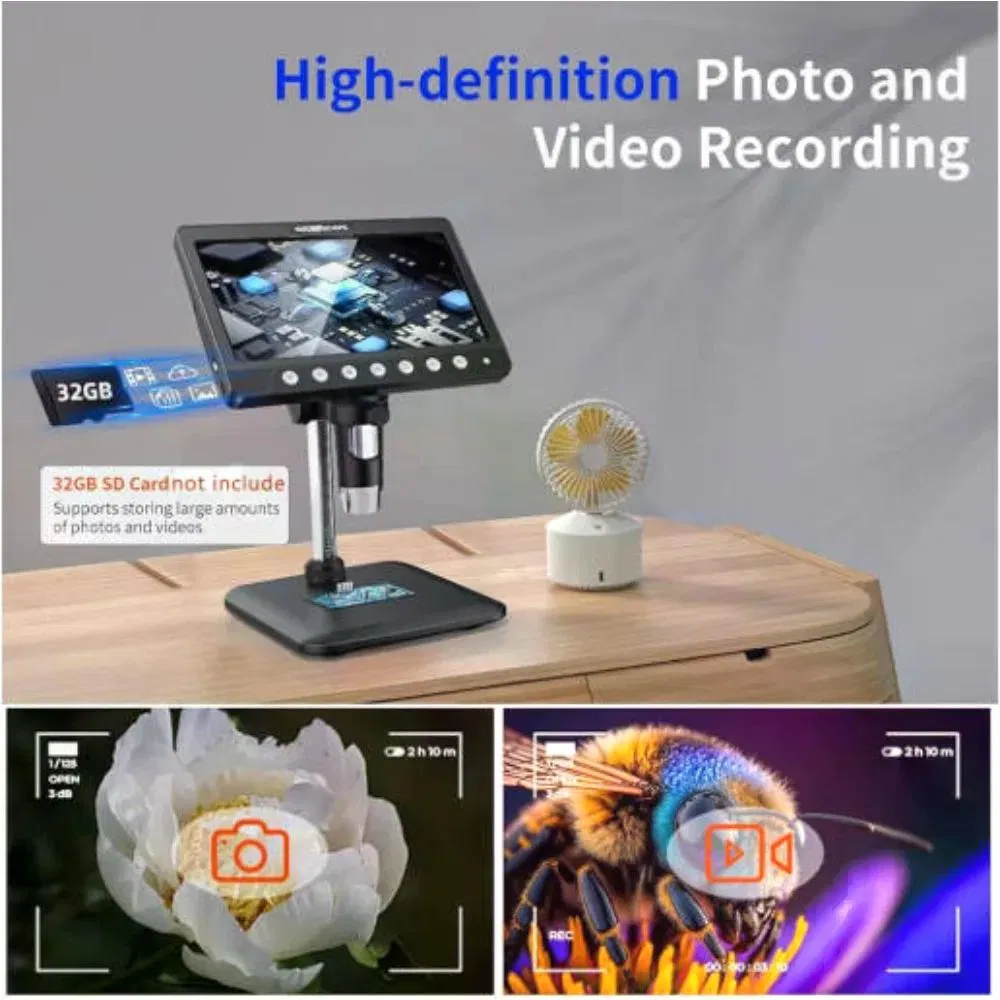 330 7" IPS Digital Microscope, 500MP 50-1200X Magnification, Rechargeable with Remote Control$81.99View on Mallflare
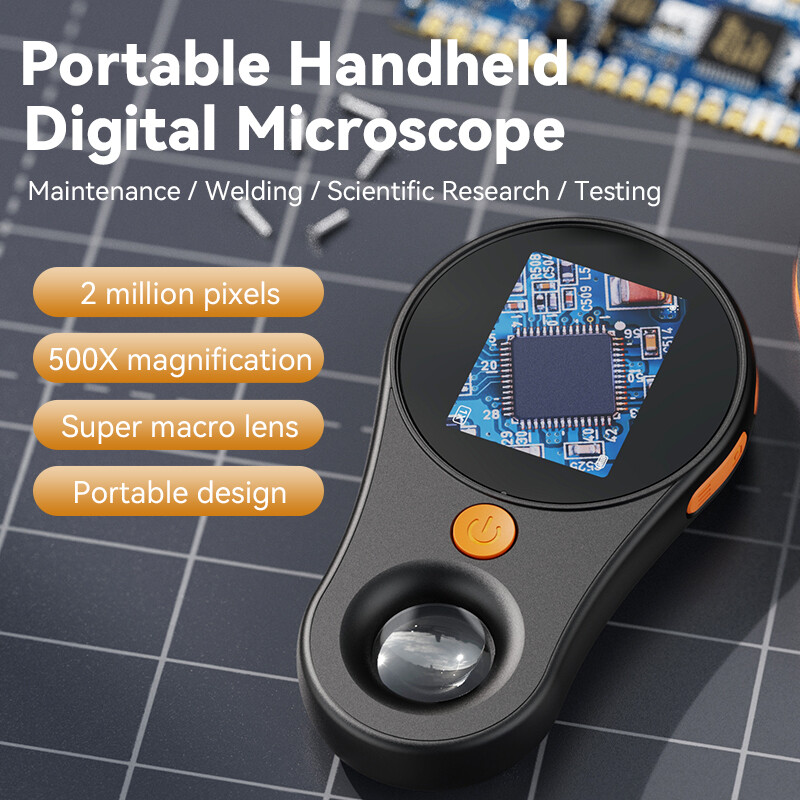 Portable 500X Digital Microscope 2" 1080P w/Metal Stand for Coins PCB$16.77Last checked Nov 27, 2026View on eBay
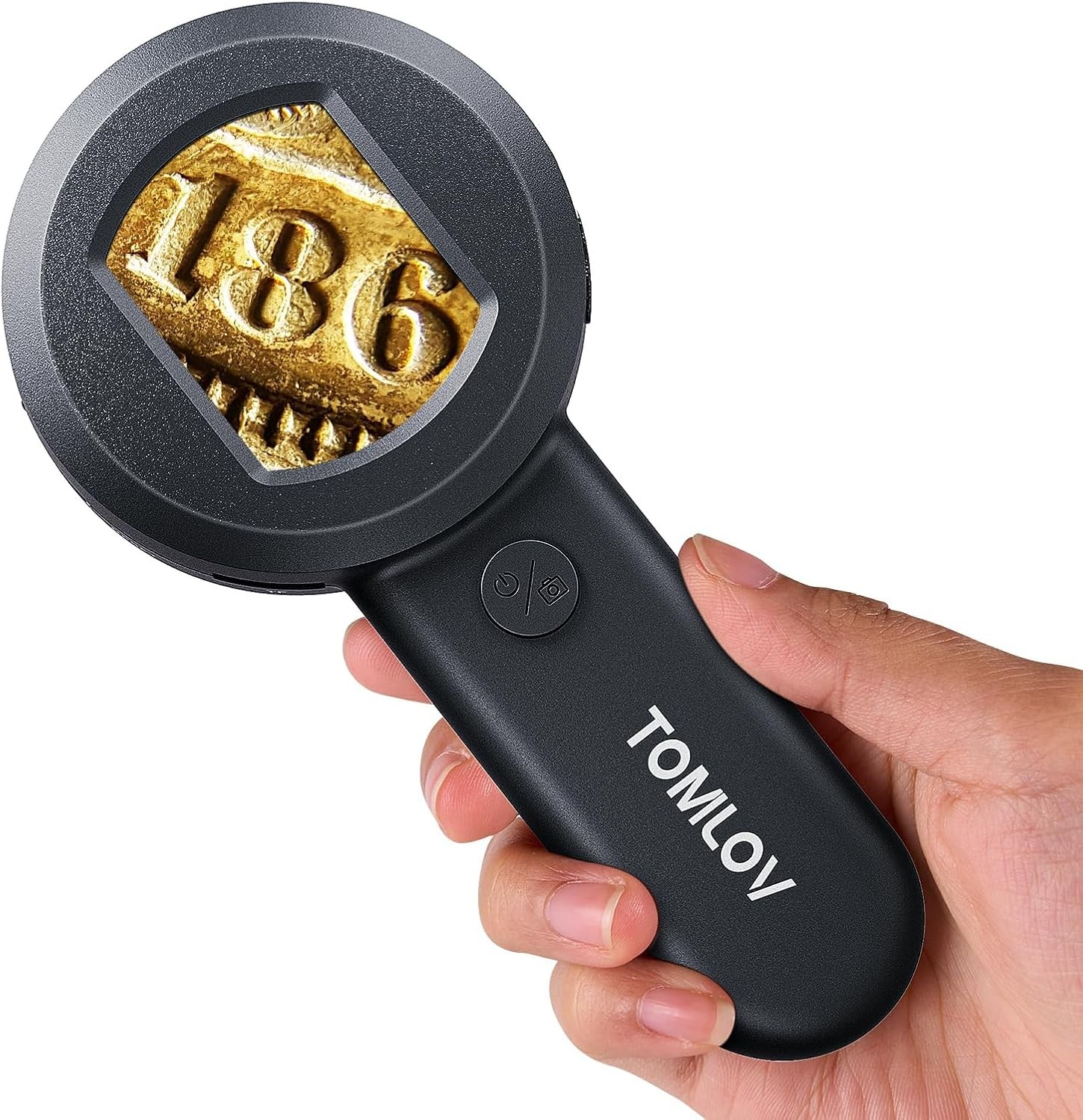 TOMLOV 100X Digital Microscope Coin Trichome Magnifier Jeweler Loupe Illuminated$23.99Last checked Nov 28, 2026View on eBay
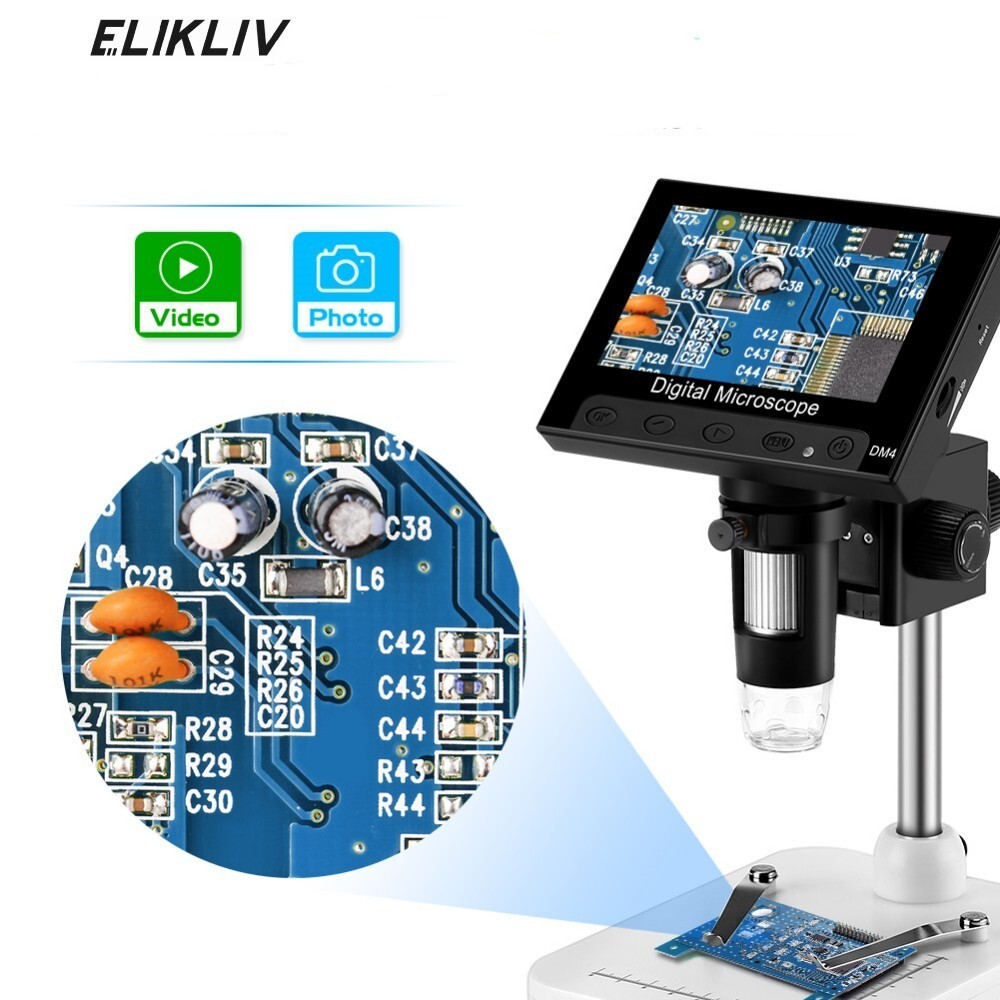 Elikliv 1000X Digital Microscope 4.3'' LCD Screen PCB Repair Coin Magnifier LED$35.99Last checked Nov 27, 2026View on eBay
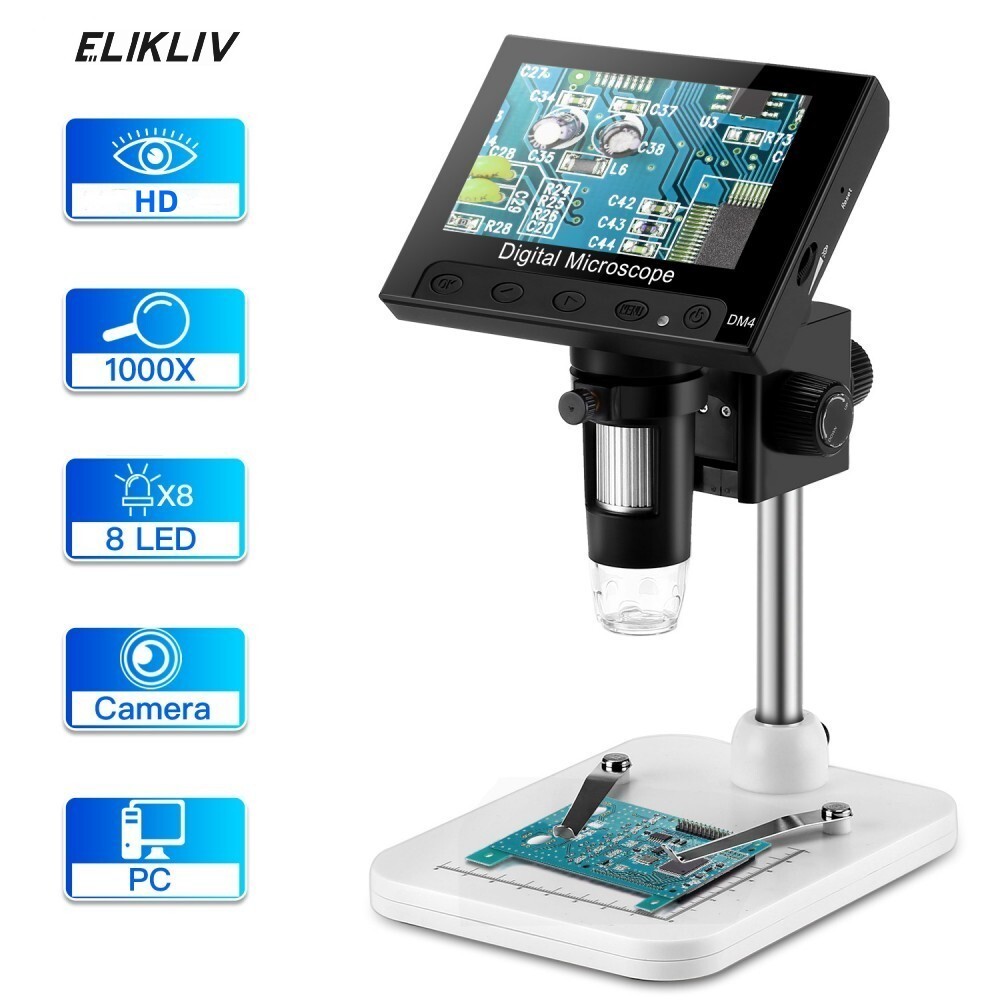 Elikliv Coin Microscope 1000X 4.3'' LCD Digital Microscope with Screen USB HD$36.76Last checked Nov 27, 2026View on eBay
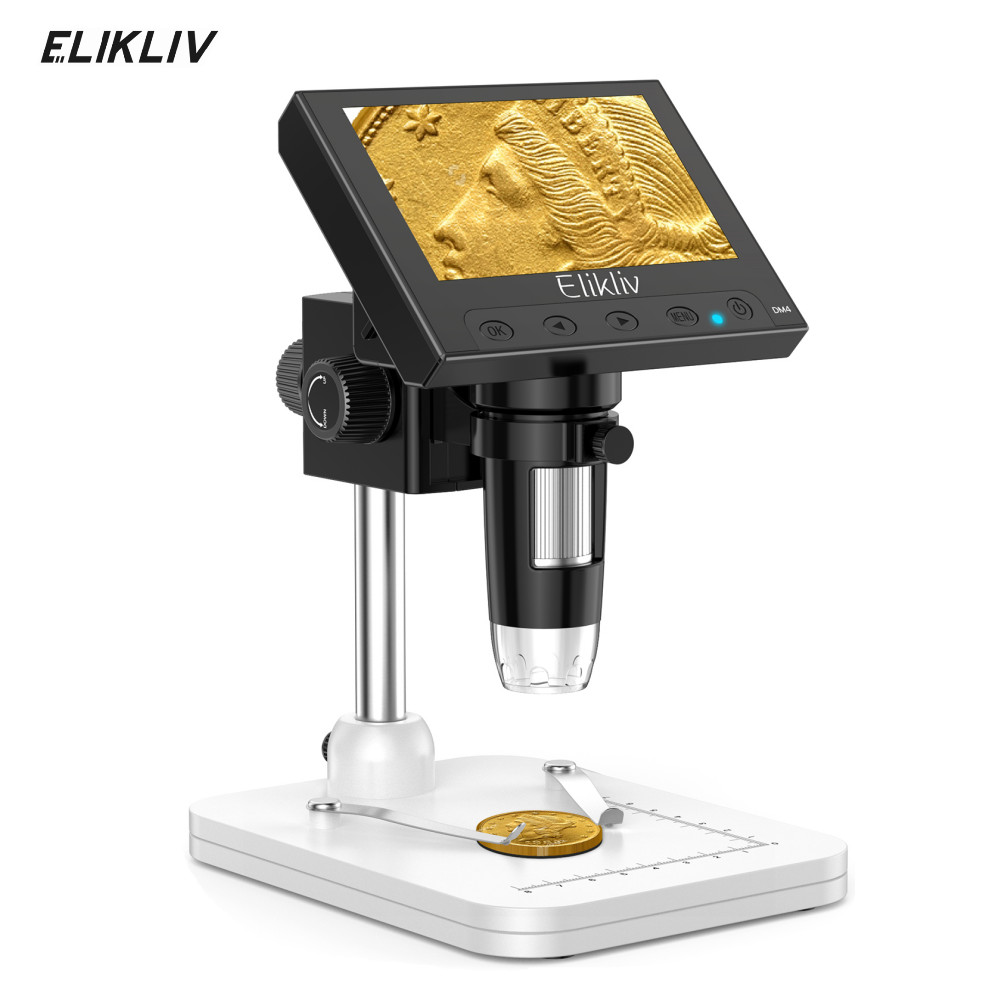 Elikliv Digital Microscope 1000X USB Coin Microscope 4.3" LCD Screen Soldering$39.60Last checked Nov 27, 2026View on eBay
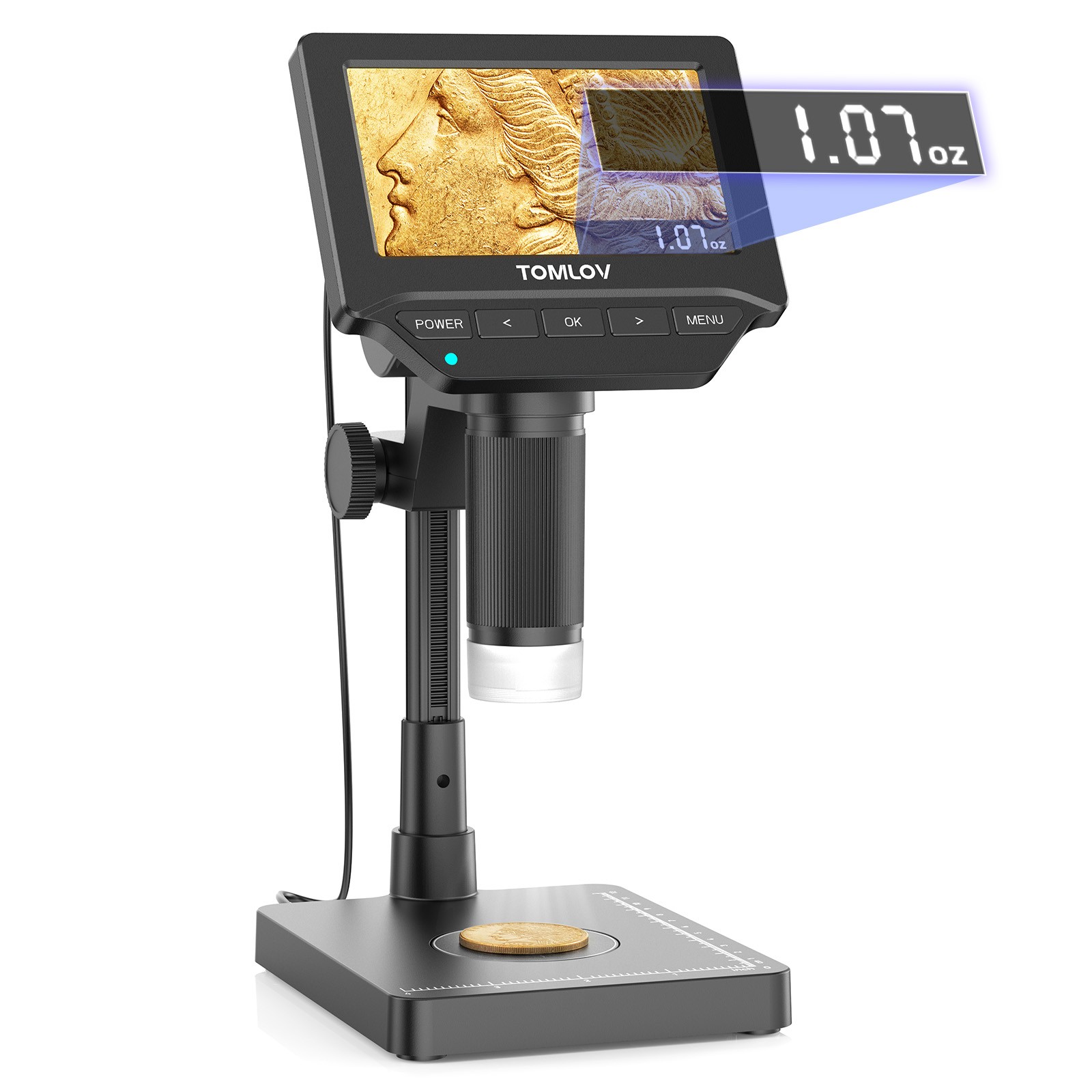 TOMLOV 4.3" Digital Microscope 200X Coin Microscope Weight Scale for Collectors$52.26Last checked Nov 28, 2026View on eBay
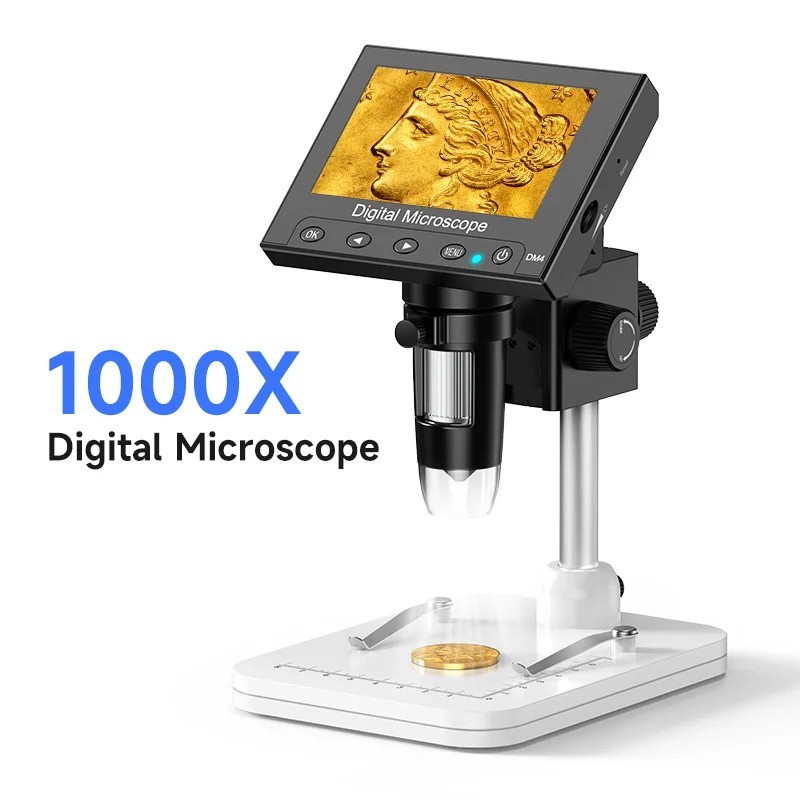 Elikliv Digital Microscope 1000X USB Coin Microscope 4.3" LCD Screen Soldering$53.48Last checked Nov 27, 2026View on eBay
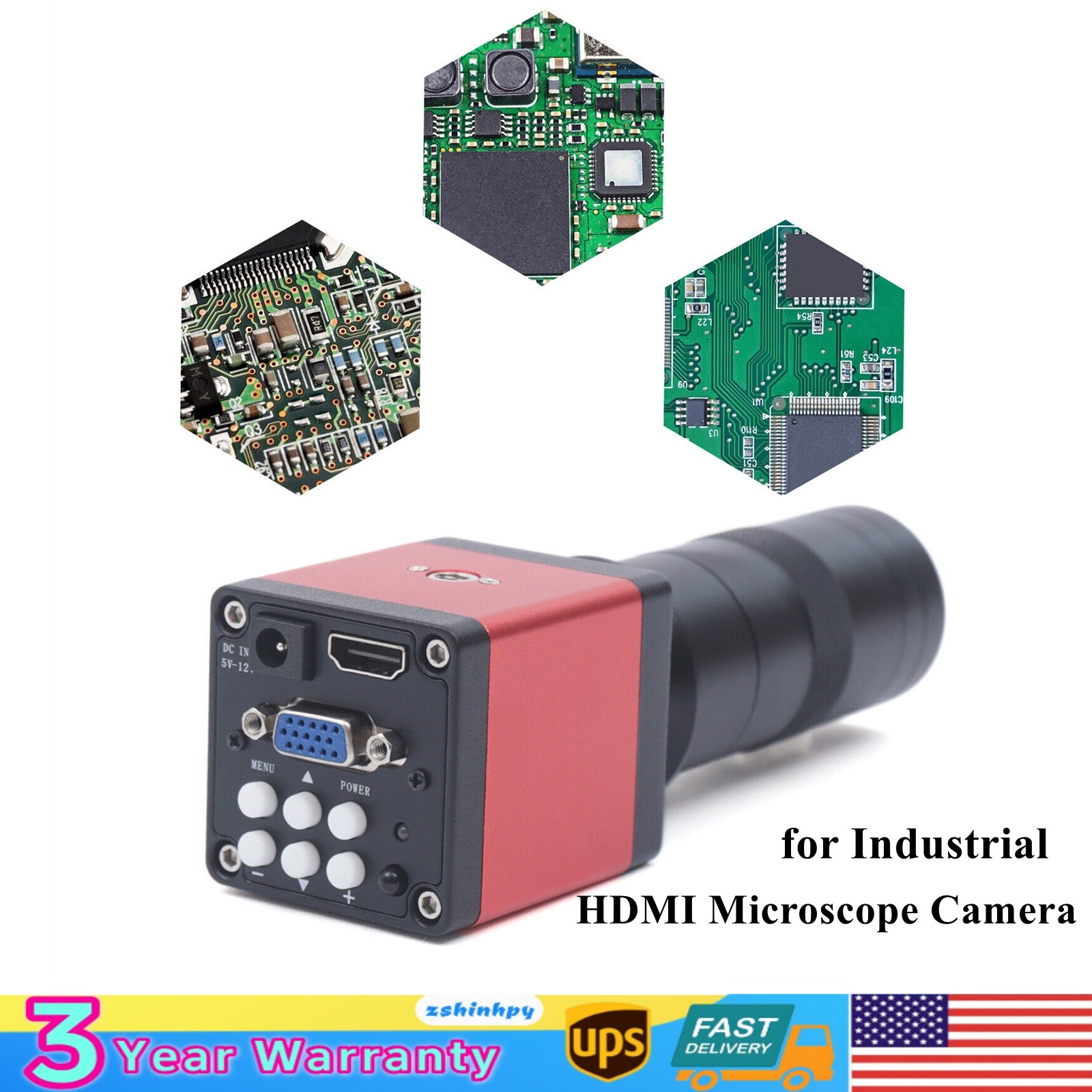 HDMI Video Microscope VGA Camera HD Industrial Digital USB Lens 1080p 14mp 60FPS$59.64View on eBay
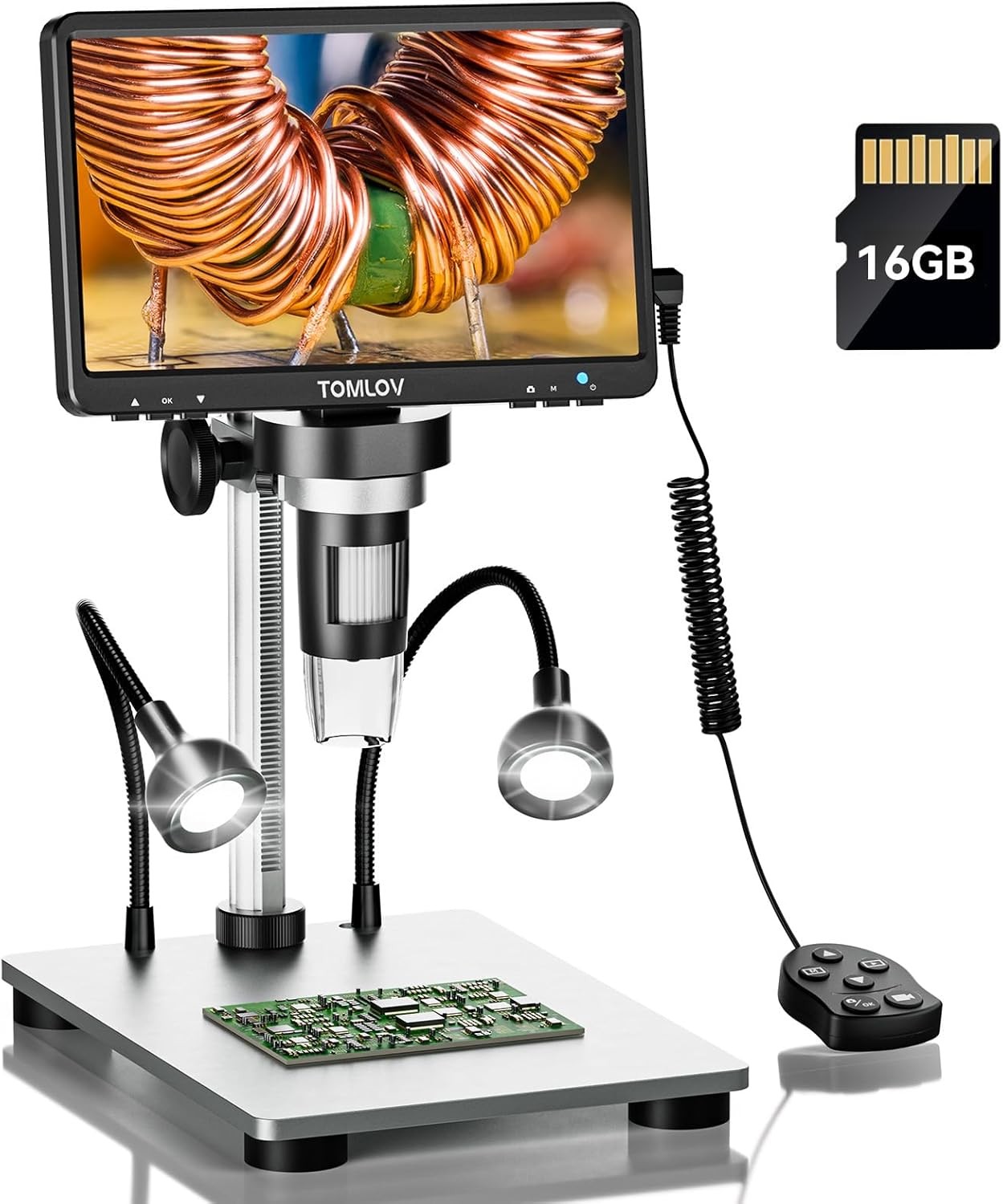 TOMLOV Microscope 7in LCD Digital Coin Microscope 1200x 12MP Soldering Magnifier$69.00Last checked Nov 27, 2026View on eBay
- TOMLOV 7" Digital Microscope 1200X Coin Microscope Soldering Camera Video Record$69.99View on eBay
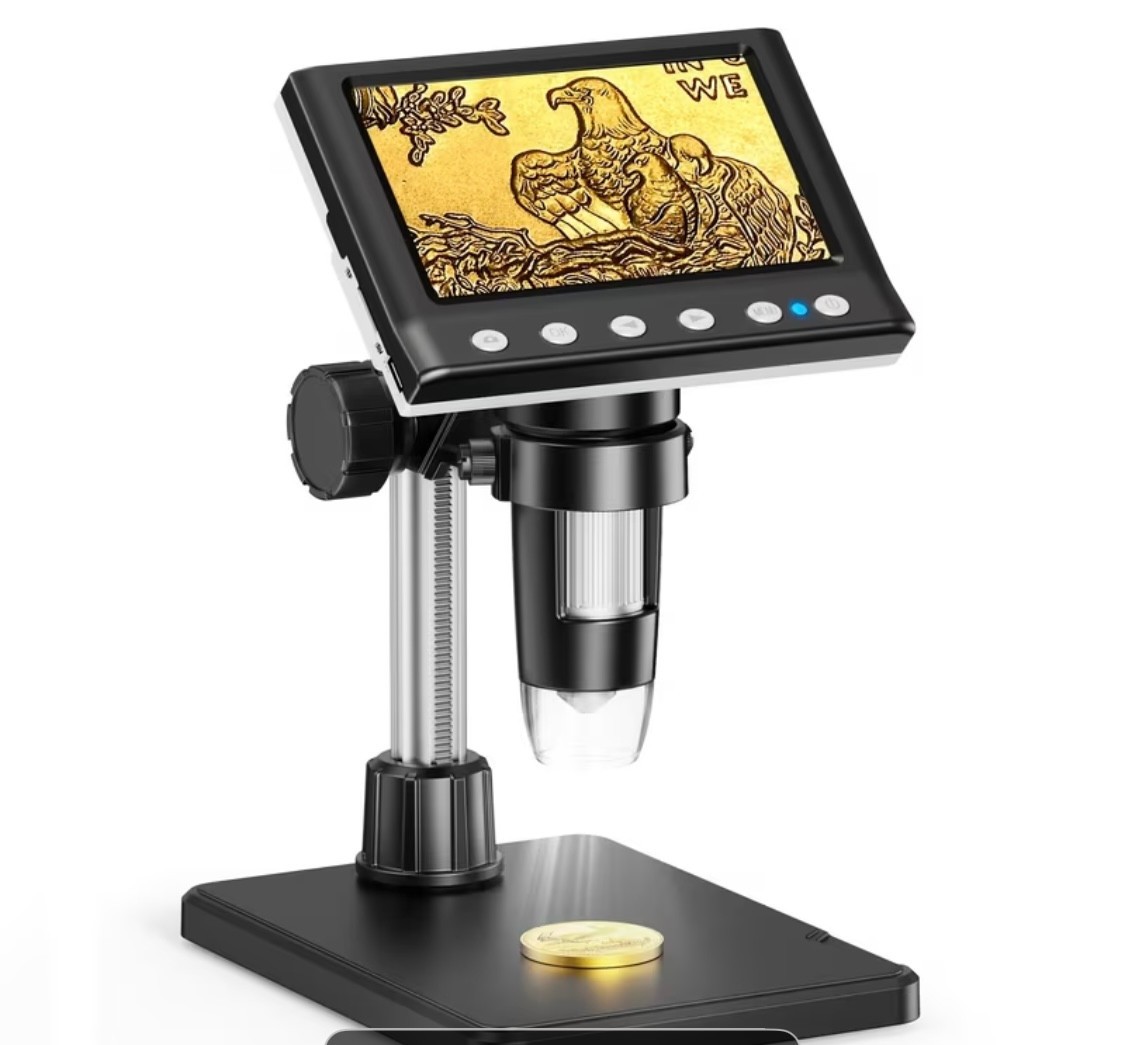 4.3" IPS 1000X LCD Digital Coin Microscope SD Card Slot 1080p USB with PC View$69.99View on eBay
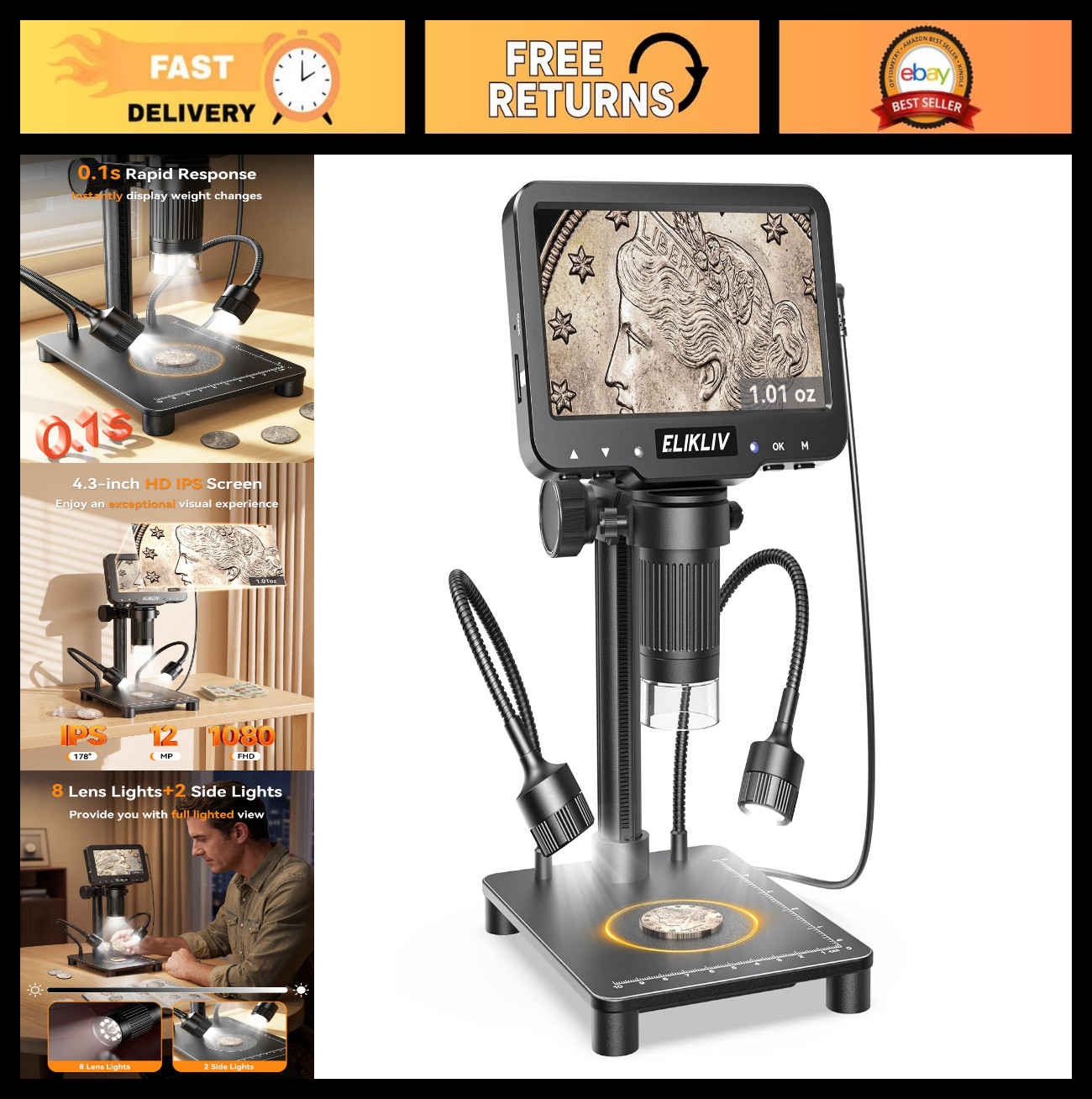 Digital Microscope with Weighing Scale, 12MP Camera, 4.3" LCD, LED Lights - Perf$90.24Last checked Nov 27, 2026View on eBay
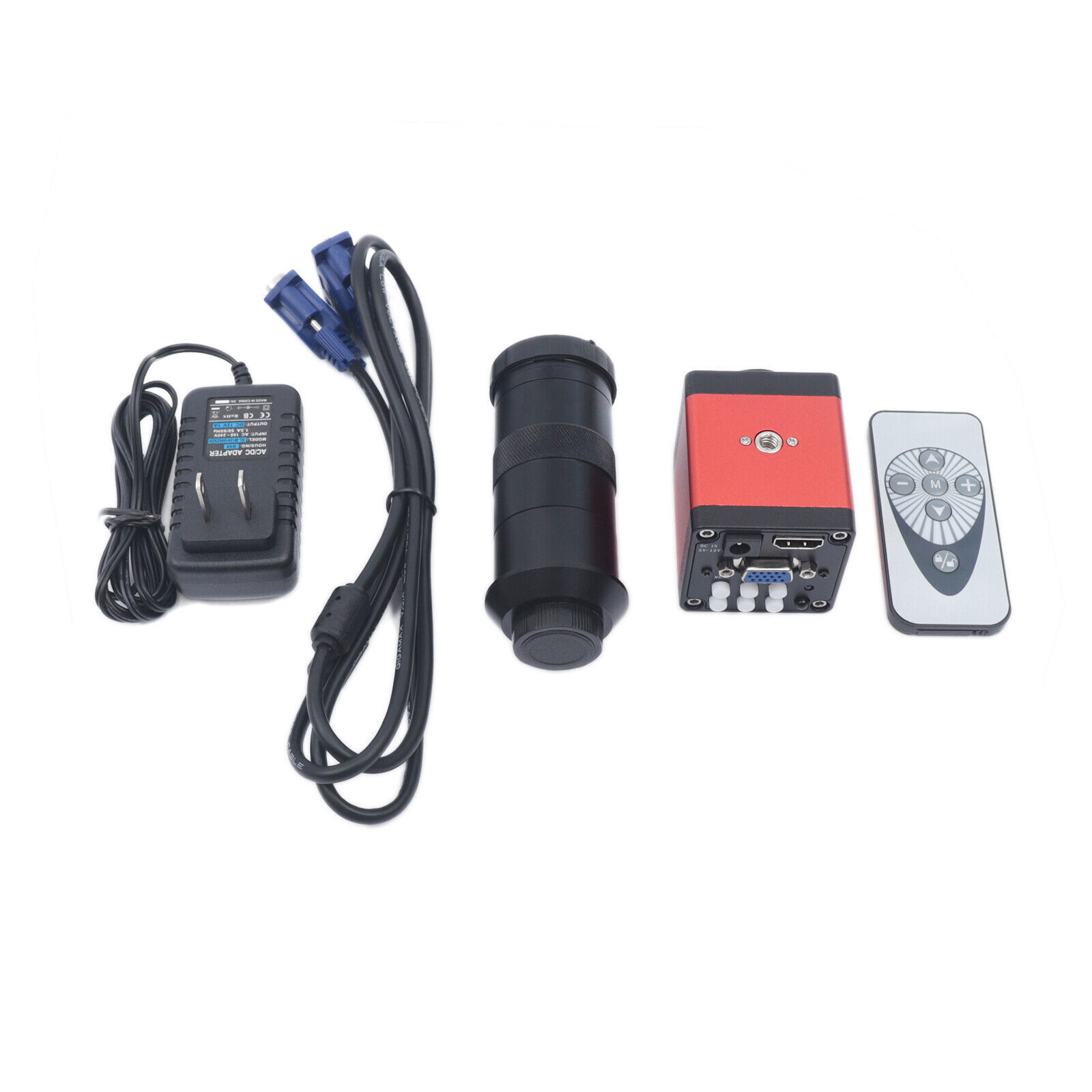 Digital Monocular Microscope Camera Industry Video Inspection HDMI HD 130X 3800W$90.36View on eBay
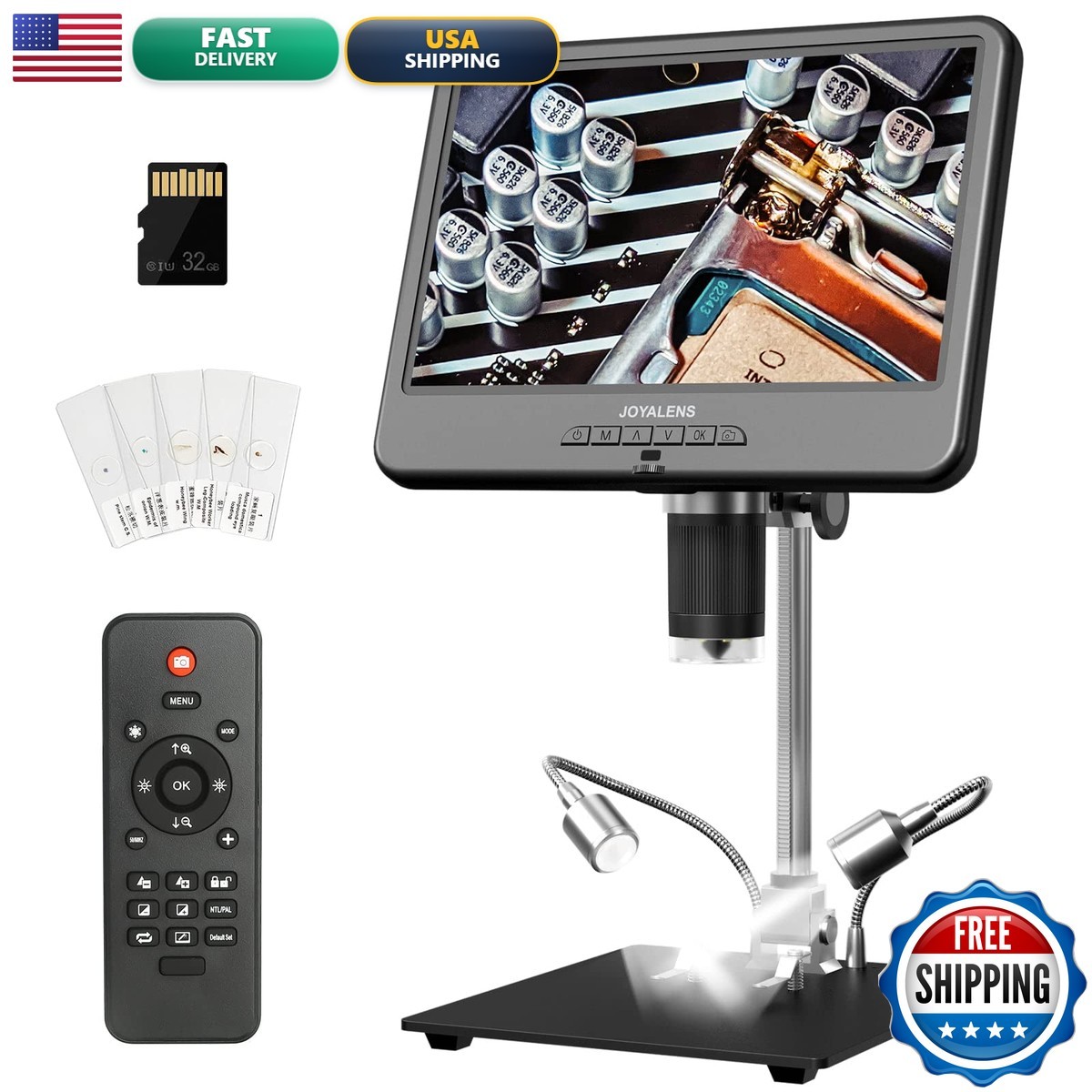 JOYALENS JL210 10.1" Digital Microscope 8 LED 12.6" Metal Stand 32GB$116.26View on eBay
Highlights
- Screen size drives usability: 4.3-inch LCDs are the compact standard, while 7-inch and larger screens reduce eye strain for extended soldering or inspection sessions.
- Sensor resolution matters more than digital zoom: native 1080p sensors deliver sharp detail, whereas 1000X claims are digital interpolation and offer no real optical gain.
- Battery capacity determines portability: 2000mAh internal cells typically yield 2-4 hours of cordless use, while units without batteries require constant USB power.
- Stand rigidity and focus mechanism separate durable units: metal columns with rack-and-pinion focus hold position, while plastic friction arms drift under the weight of the head.
Best use cases
- Best fit for PCB soldering and repair: pick a 4.3-inch 1080p model with a stable metal stand and built-in LED ring; skip high-magnification claims and prioritize a clear 10-50X working range.
- Best fit for coin and stamp inspection: choose a unit with a wide, flat base and adjustable side lighting to reveal relief details; avoid models with narrow field-of-view lenses that force constant repositioning.
- Wrong fit for professional lab work requiring measurement or fluorescence: skip screen-only microscopes and select a trinocular optical scope with a camera port and calibration standards.
Buying tips
- Magnification math: a 1000X digital claim on a 4.3-inch screen is empty; real optical detail comes from the lens and sensor, so look for a native 1080p sensor and a 10-50X optical range.
- Screen resolution: match the LCD to the sensor—a 4.3-inch 480p screen wastes a 1080p sensor, so confirm the display is at least 720p for critical inspection.
- Power standard: choose USB-C or micro-USB powered units with a 2000mAh or larger battery for cordless freedom; models lacking a battery are tethered to a wall or PC.
- Stand material: select an aluminum or steel column with a rack-and-pinion focus block; plastic friction stands sag and lose focus during soldering or measurement.
Specs
| Screen Size | 4.3 in to 7 in LCD |
|---|---|
| Sensor Resolution | 1080p native vs 720p |
| Battery Capacity | 2000mAh or USB-powered |
| Stand Type | Metal rack-and-pinion vs plastic |
Related searches
What to check before buying
- Measure your workspace: ensure the base footprint fits your bench and that the stand height allows the lens to clear your tallest workpieces.
- Confirm power compatibility: check that the included adapter matches your local voltage and plug type, or that the unit charges via standard USB.
- Verify the field of view: for PCB work, a 4-6 inch working distance is needed to fit a soldering iron under the lens; coin work needs a flat, wide base.
- Check for a removable screen or HDMI output if you need to share the view with a second person or record images.
FAQ
Data sources: eBay / Amazon listings and product attribute feeds. Updated Nov 28, 2026.
Some links on this page are affiliate links. If you buy after clicking one, we may earn a commission at no extra cost to you. This does not change which products appear here or their order. Affiliate disclosure.