
Photos from current listings. Actual item, color, and included accessories may vary.
Elikliv Microscope Buying Guide
Elikliv microscopes are digital imaging systems built around a camera sensor and LCD screen rather than optical eyepieces, aimed at PCB repair, coin inspection, and hobbyist magnification. The critical trade-off is between screen size/resolution and true optical magnification: larger 7–10-inch screens with higher megapixel sensors improve viewing comfort but add bulk and cost, while compact 4.3-inch models prioritize portability at lower resolution. The clear decision rule is to match the screen and sensor tier to your inspection task—4.3-inch 1000X units for quick solder work, 7–10-inch 12MP+ units for detailed coin or biological study—and avoid any model that claims extreme magnification without a quality lens and stable stand.
Median $38.18
Key takeaways
- Sensor resolution tiers span 12MP on 7–10-inch models to 52MP on 4K units, directly controlling detail capture for coin dates or PCB traces.
- Magnification claims range from 1000X on 4.3-inch base models to 2000X on 4K flagship units, but actual usable magnification depends on lens quality and working distance.
- Connectivity options include USB for PC transfer and HDMI for direct monitor output, with 4K models adding both for flexible workstation setup.
At a glance
- Category
- Microscopes & Lab Imaging
- Last updated
- Nov 28, 2026
Current offers
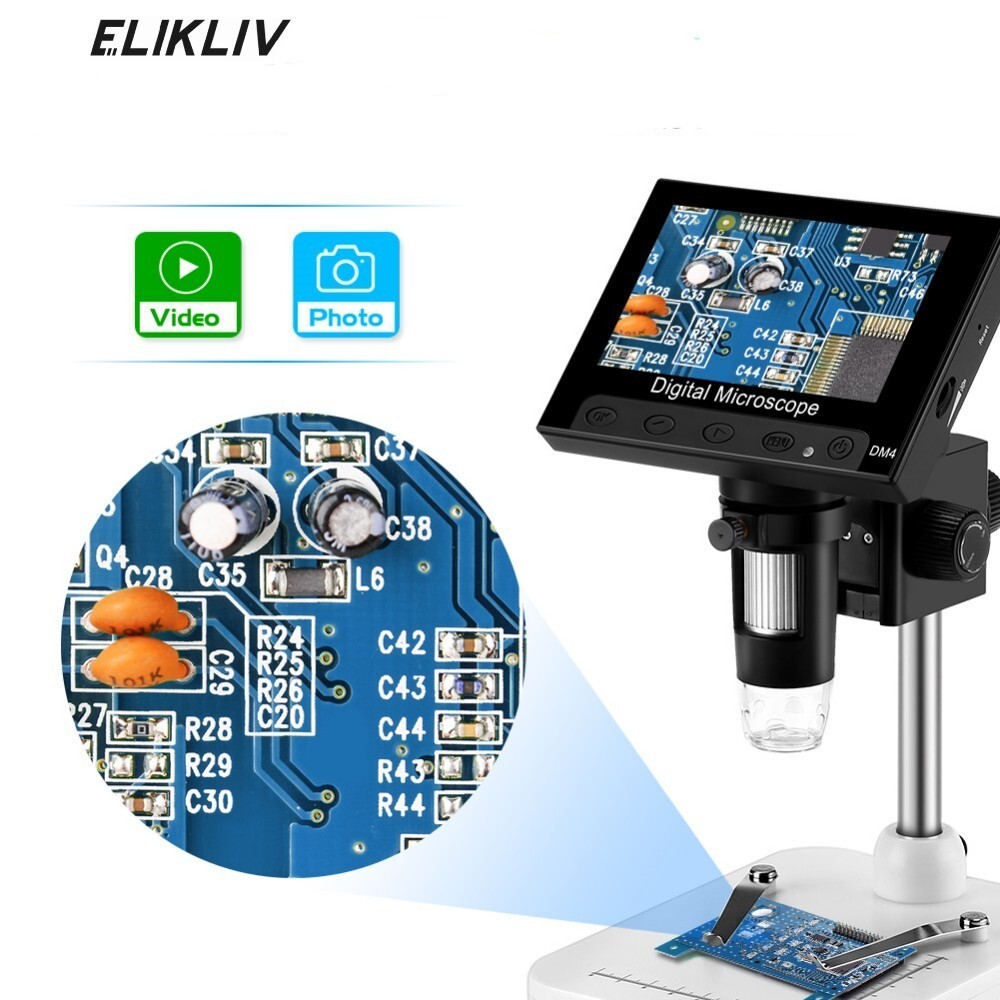 Elikliv 1000X Digital Microscope 4.3'' LCD Screen PCB Repair Coin Magnifier LED$35.99Last checked Nov 27, 2026View on eBay
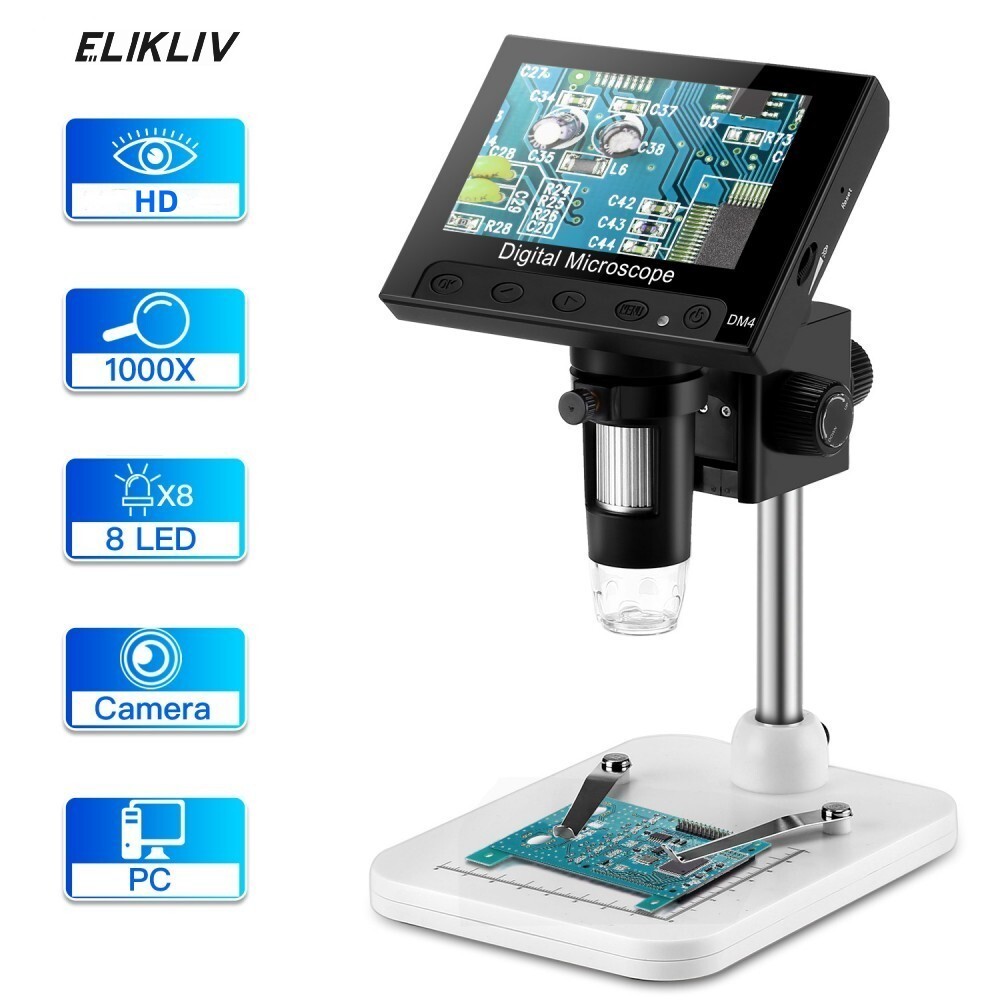 Elikliv Coin Microscope 1000X 4.3'' LCD Digital Microscope with Screen USB HD$36.76Last checked Nov 27, 2026View on eBay
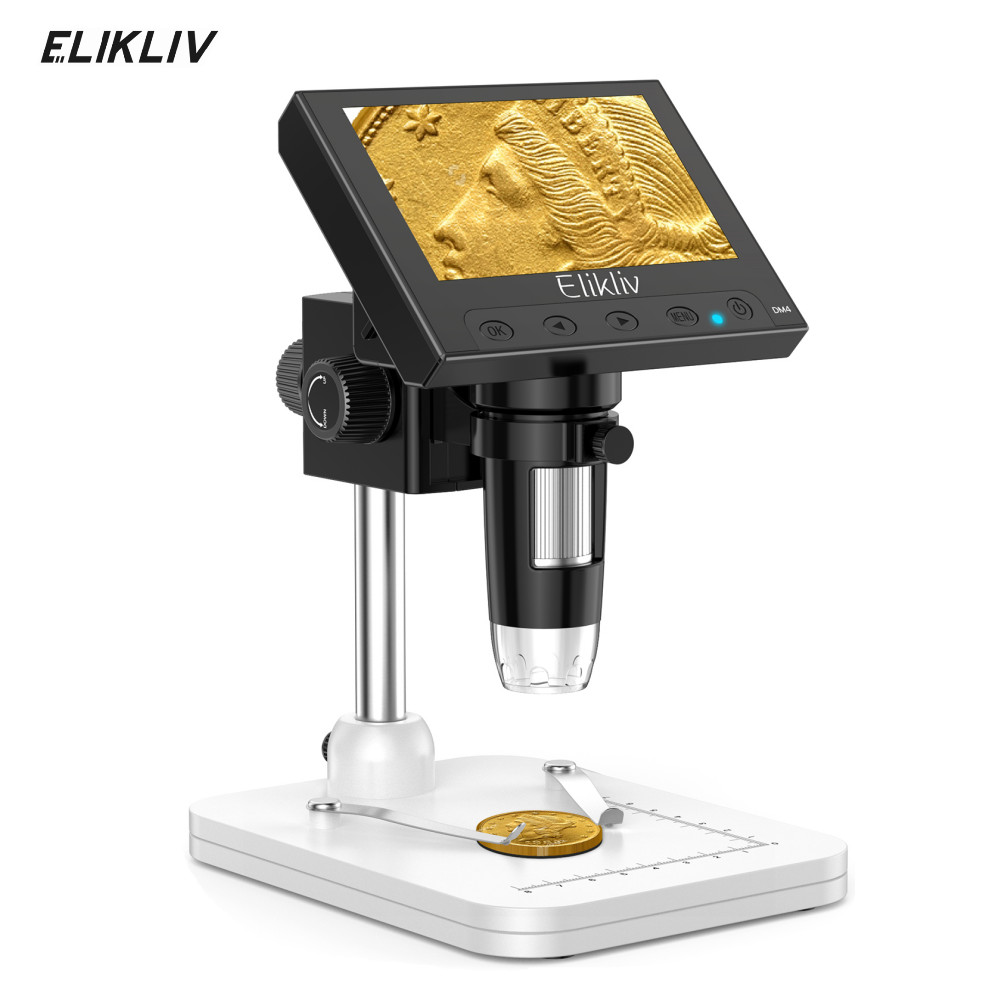 Elikliv Digital Microscope 1000X USB Coin Microscope 4.3" LCD Screen Soldering$39.60Last checked Nov 27, 2026View on eBay
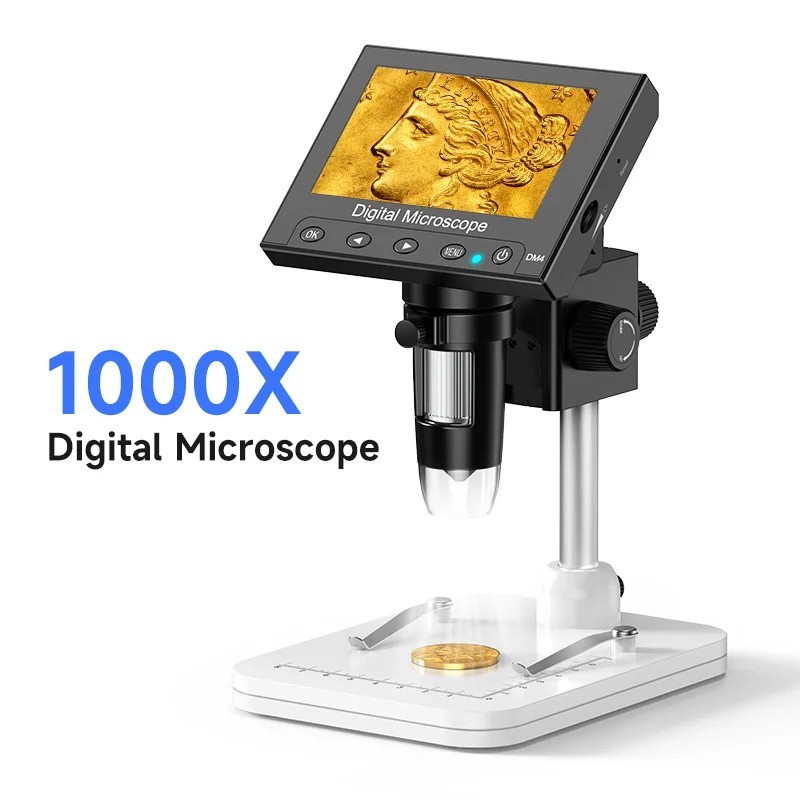 Elikliv Digital Microscope 1000X USB Coin Microscope 4.3" LCD Screen Soldering$53.48Last checked Nov 27, 2026View on eBay
Highlights
- Sensor resolution tiers span 12MP on 7–10-inch models to 52MP on 4K units, directly controlling detail capture for coin dates or PCB traces.
- Magnification claims range from 1000X on 4.3-inch base models to 2000X on 4K flagship units, but actual usable magnification depends on lens quality and working distance.
- Connectivity options include USB for PC transfer and HDMI for direct monitor output, with 4K models adding both for flexible workstation setup.
- Screen sizes of 4.3, 7, and 10 inches determine footprint and viewing comfort; larger screens suit fixed benches while 4.3-inch units fit tight spaces.
Best use cases
- Choose a 4.3-inch 1000X USB model for PCB soldering and repair: the compact screen and USB output let you work close to the board and capture images to a PC.
- Pick a 7-inch 1200X biological microscope with remote control for classroom or hobbyist study of slides and specimens, where a larger screen and remote reduce hand fatigue.
- Select a 10-inch 12MP 1300X unit for adult coin magnification and grading, as the larger sensor and screen reveal fine surface details and mint marks.
- Skip base 1000X models if you need high-resolution archival images; step up to a 4K 2000X 52MP model with HDMI for detailed documentation and large-display viewing.
Buying tips
- Match screen size to workspace: 4.3-inch models need about 8 inches of bench depth, 7-inch about 12 inches, and 10-inch about 16 inches including stand clearance.
- Prioritize sensor megapixels over magnification claims: 12MP is sufficient for coin grading, while 52MP 4K models suit PCB trace inspection and high-detail imaging.
- Confirm output ports: USB allows image transfer to a computer, HDMI enables direct connection to a monitor for shared viewing or larger display.
- Check stand type: sturdy metal bases with adjustable height and focus knobs are essential for stable magnification, especially at higher zoom levels.
Specs
| Screen Size | 4.3 / 7 / 10 inches |
|---|---|
| Sensor Resolution | 12MP to 52MP |
| Max Magnification | 1000X to 2000X |
| Connectivity | USB / HDMI / Wireless |
Related searches
What to check before buying
- Measure your bench or desk depth to ensure the stand and screen fit without overhanging; allow 8–16 inches depending on screen size.
- Verify your computer has a compatible USB port if you plan to capture images, and confirm HDMI input on your monitor for direct viewing.
- Check that the included power adapter matches your local voltage (100–240V) and plug type; most models ship with regional adapters.
- Ensure the working distance from lens to subject matches your task—PCB repair needs 4–6 inches, coin inspection 3–5 inches—and that the stand adjusts accordingly.
FAQ
Data sources: eBay / Amazon listings and product attribute feeds. Updated Nov 28, 2026.
Some links on this page are affiliate links. If you buy after clicking one, we may earn a commission at no extra cost to you. This does not change which products appear here or their order. Affiliate disclosure.