
Photos from current listings. Actual item, color, and included accessories may vary.
Microscope With LCD Screen Buying Guide
A microscope with an LCD screen is a standalone digital imaging system that replaces eyepieces with a built-in display, typically pairing a CMOS sensor with a fixed lens and LED ring light. The core trade-off is between optical resolution (true magnification and clarity) and digital convenience (screen size, capture, and portability). Buyers should prioritize sensor resolution and lens quality over inflated digital zoom claims, because beyond about 200x optical, digital interpolation adds pixels but not detail.
Median $69.00
Key takeaways
- True optical magnification is set by the objective lens; digital zoom beyond 4x-5x interpolation adds no real detail, so 1000X labels often mean 50x optical plus digital crop.
- A 4.3-inch LCD is the common entry size; 7-inch and 10-inch screens improve viewing comfort but usually signal a larger stand and higher sensor tier.
- CMOS sensor resolution matters more than screen size: 1080p (2MP) is baseline for PCB work, while 4K (8MP) sensors resolve finer solder joints and coin relief.
At a glance
- Category
- Microscopes & Lab Imaging
- Last updated
- Nov 28, 2026
Current offers
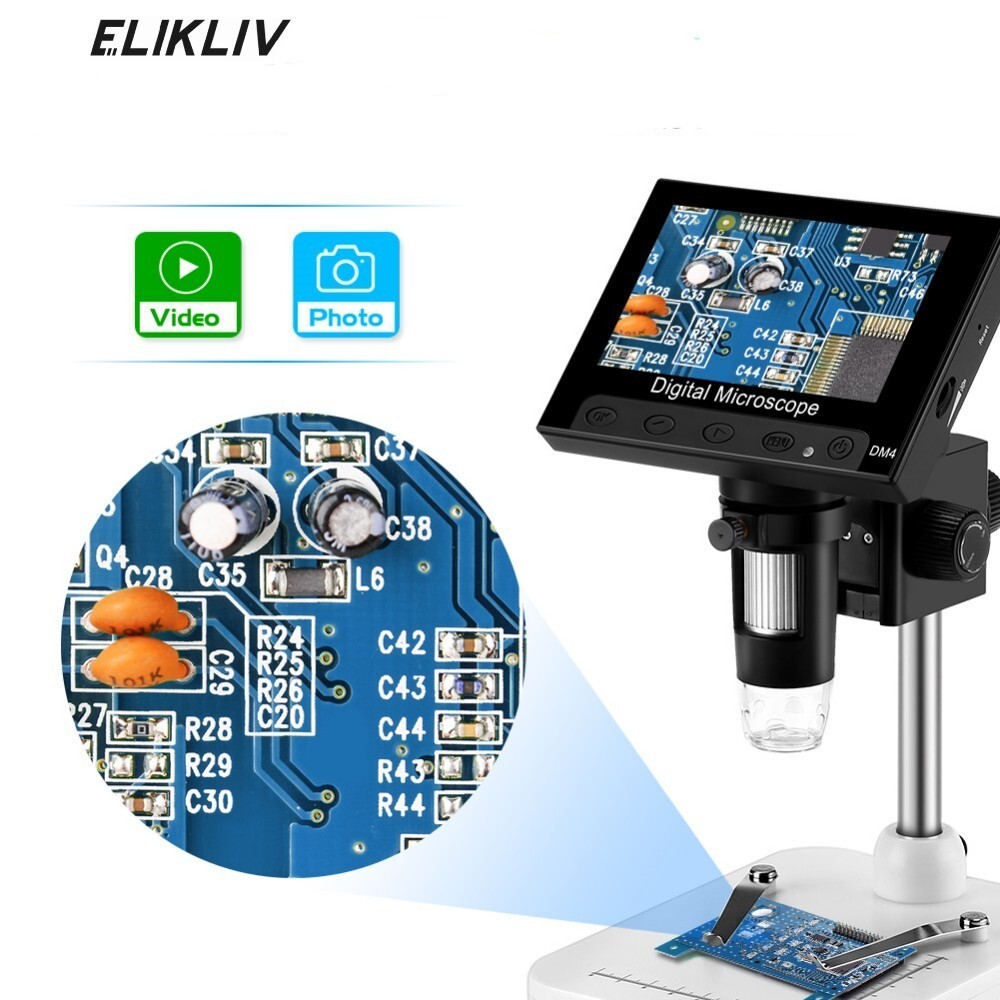 Elikliv 1000X Digital Microscope 4.3'' LCD Screen PCB Repair Coin Magnifier LED$35.99Last checked Nov 27, 2026View on eBay
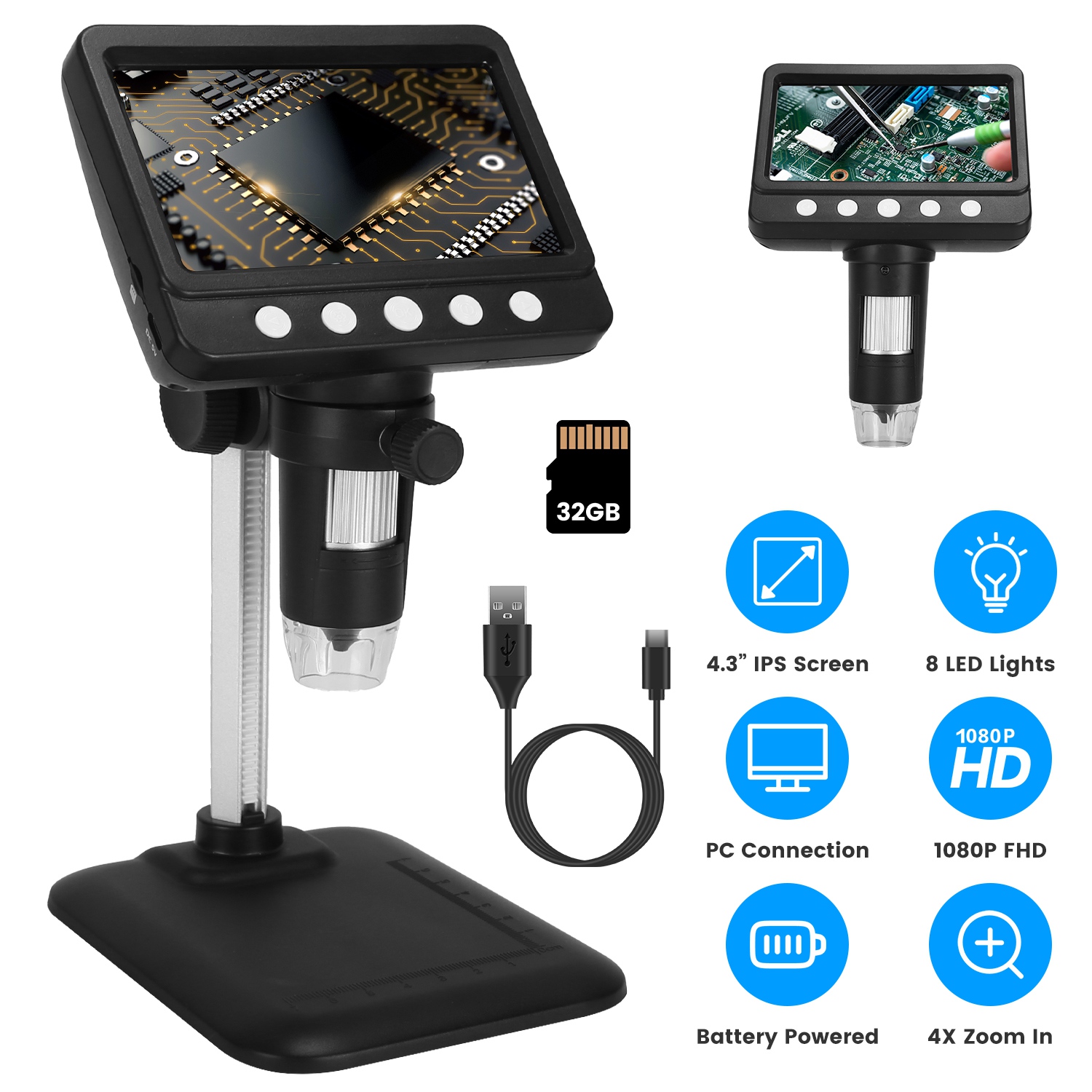 1Pc 4.3Inch LCD Digital Microscope 1,000X 1080P Photo Video Error Coin Magnifier With 8 Dimmable LED Lights PC Views Compatible MacOS Windows Included 32GB Card$74.99View on Mallflare
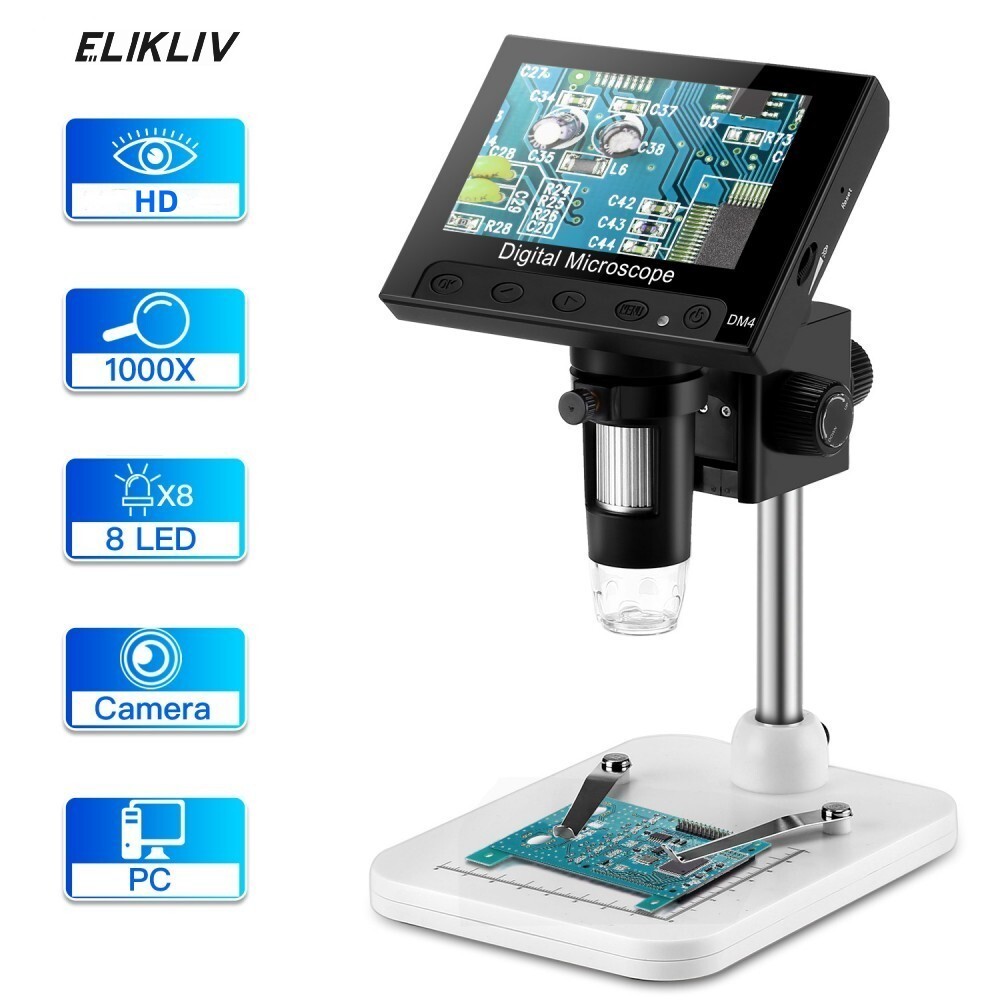 Elikliv Coin Microscope 1000X 4.3'' LCD Digital Microscope with Screen USB HD$36.76Last checked Nov 27, 2026View on eBay
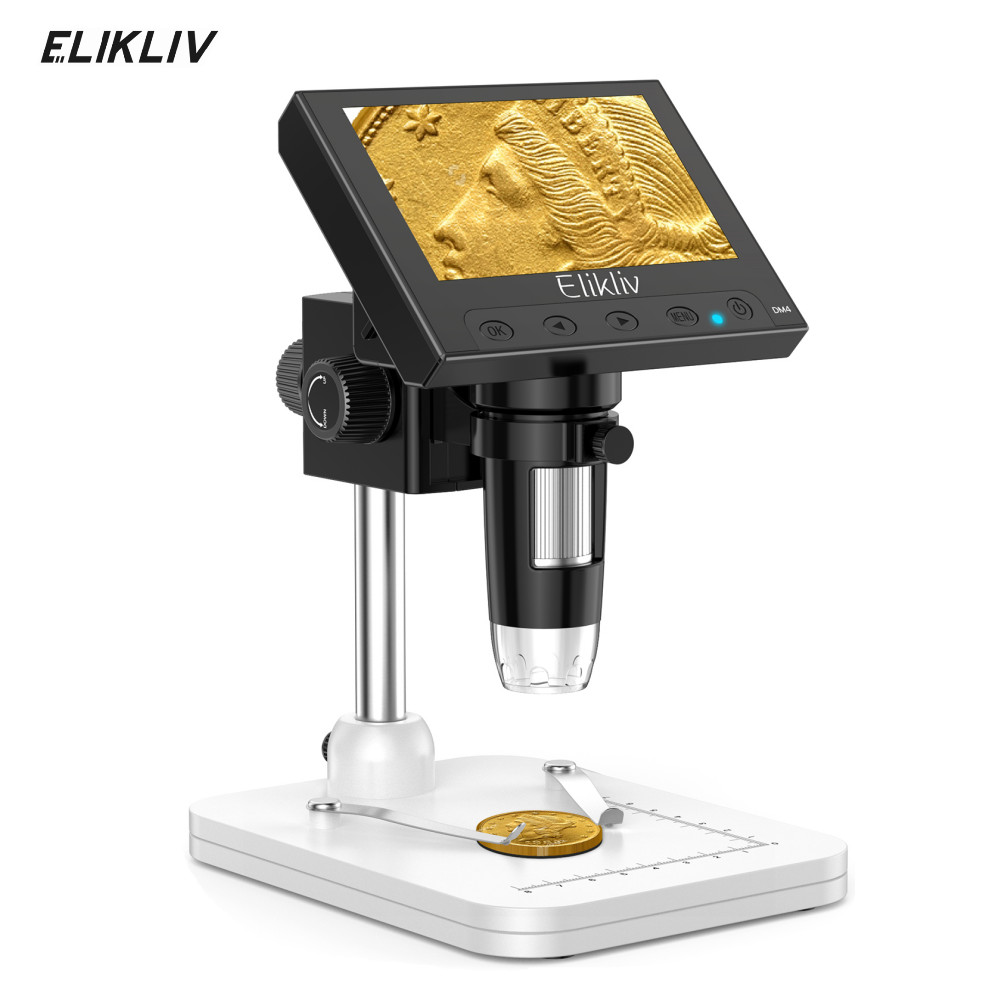 Elikliv Digital Microscope 1000X USB Coin Microscope 4.3" LCD Screen Soldering$39.60Last checked Nov 27, 2026View on eBay
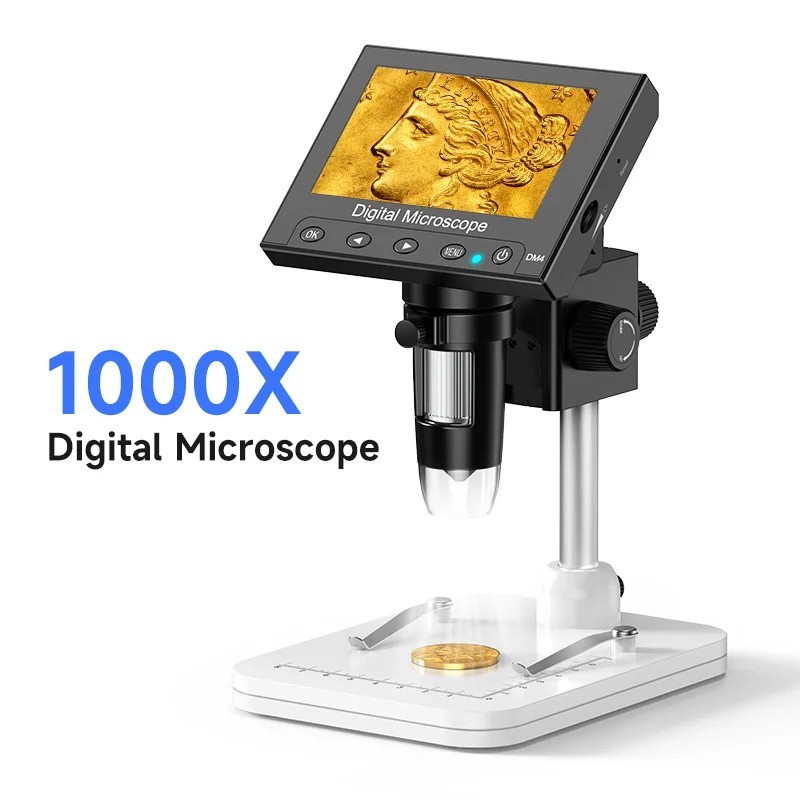 Elikliv Digital Microscope 1000X USB Coin Microscope 4.3" LCD Screen Soldering$53.48Last checked Nov 27, 2026View on eBay
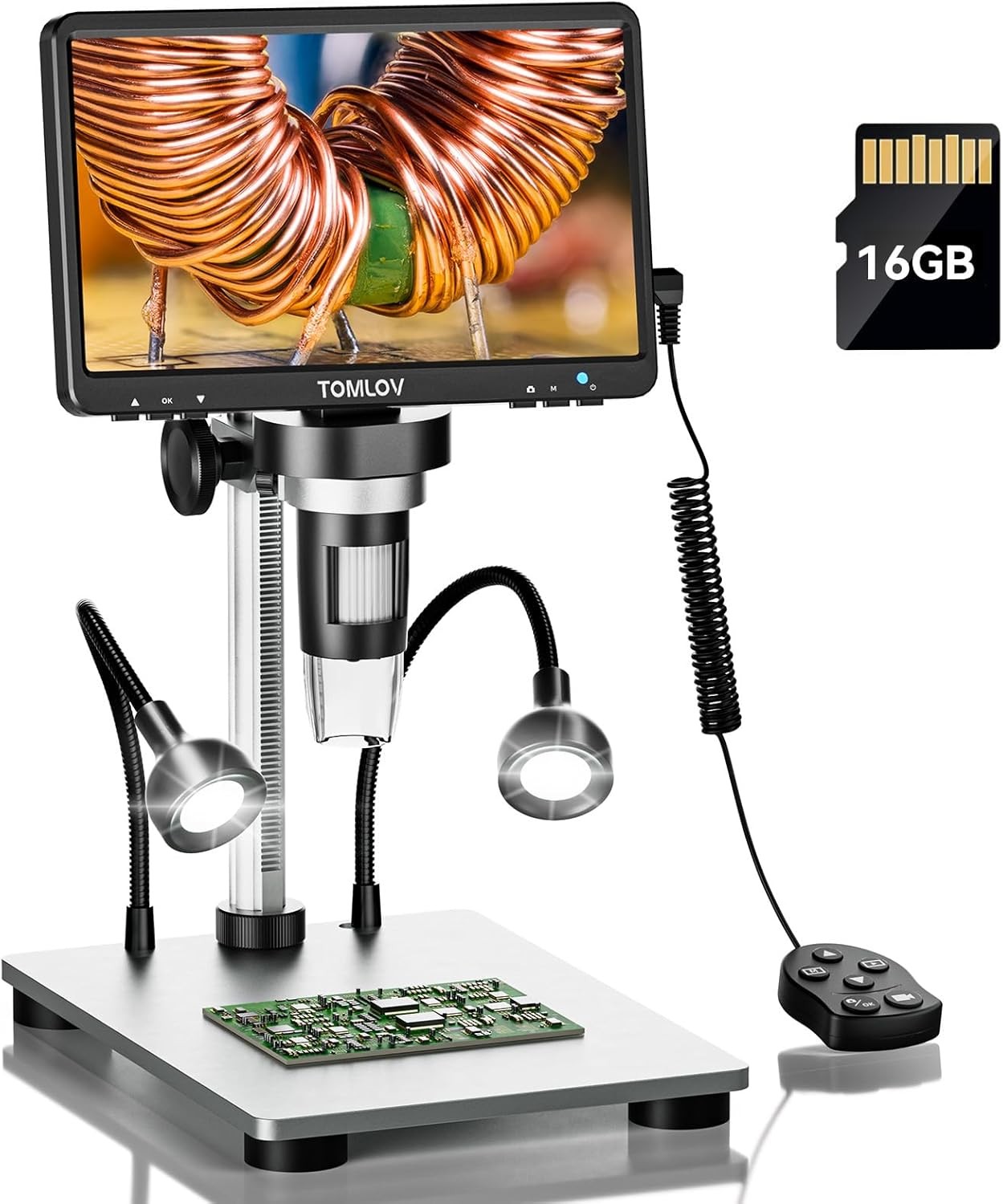 TOMLOV Microscope 7in LCD Digital Coin Microscope 1200x 12MP Soldering Magnifier$69.00Last checked Nov 27, 2026View on eBay
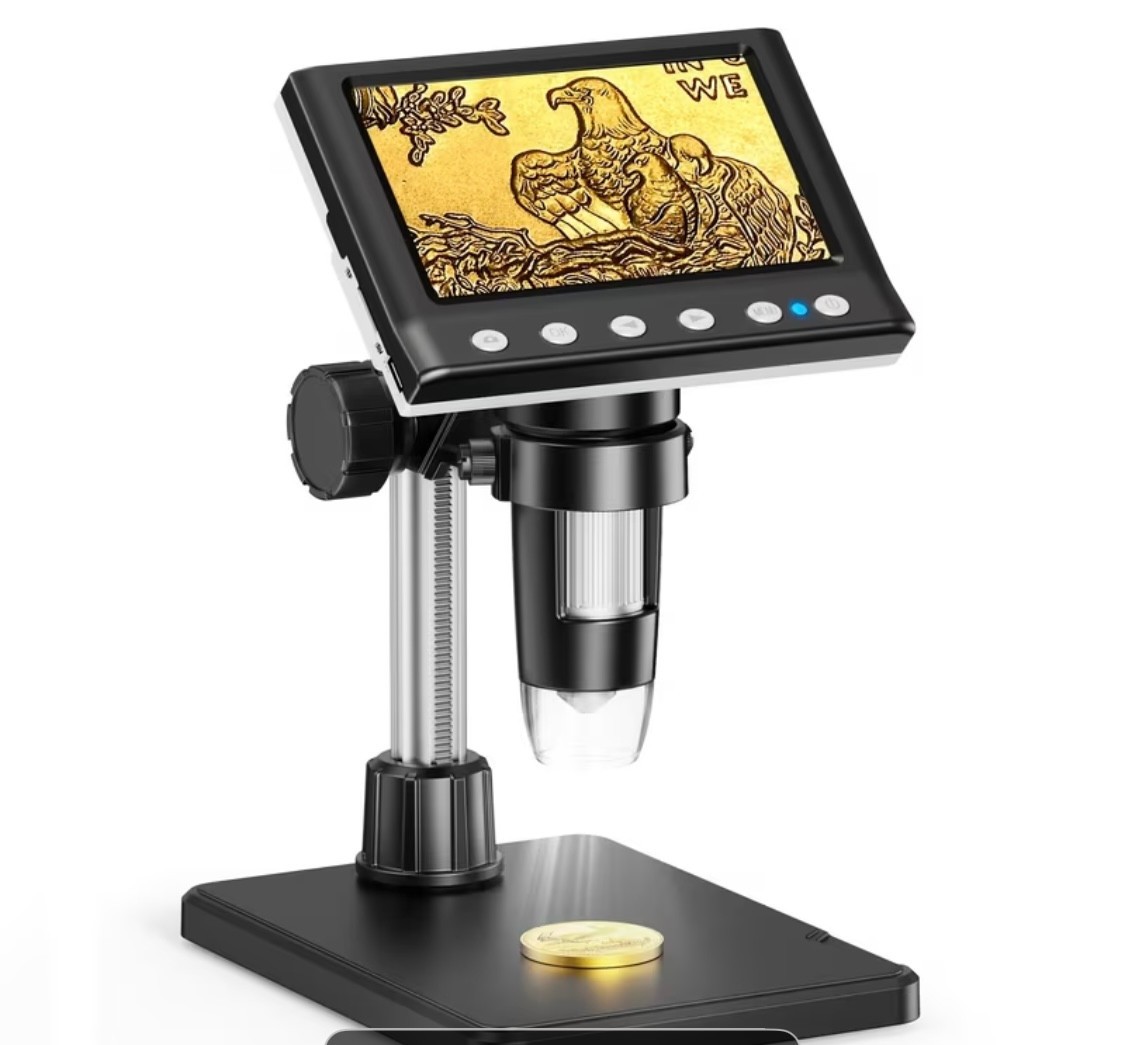 4.3" IPS 1000X LCD Digital Coin Microscope SD Card Slot 1080p USB with PC View$69.99View on eBay
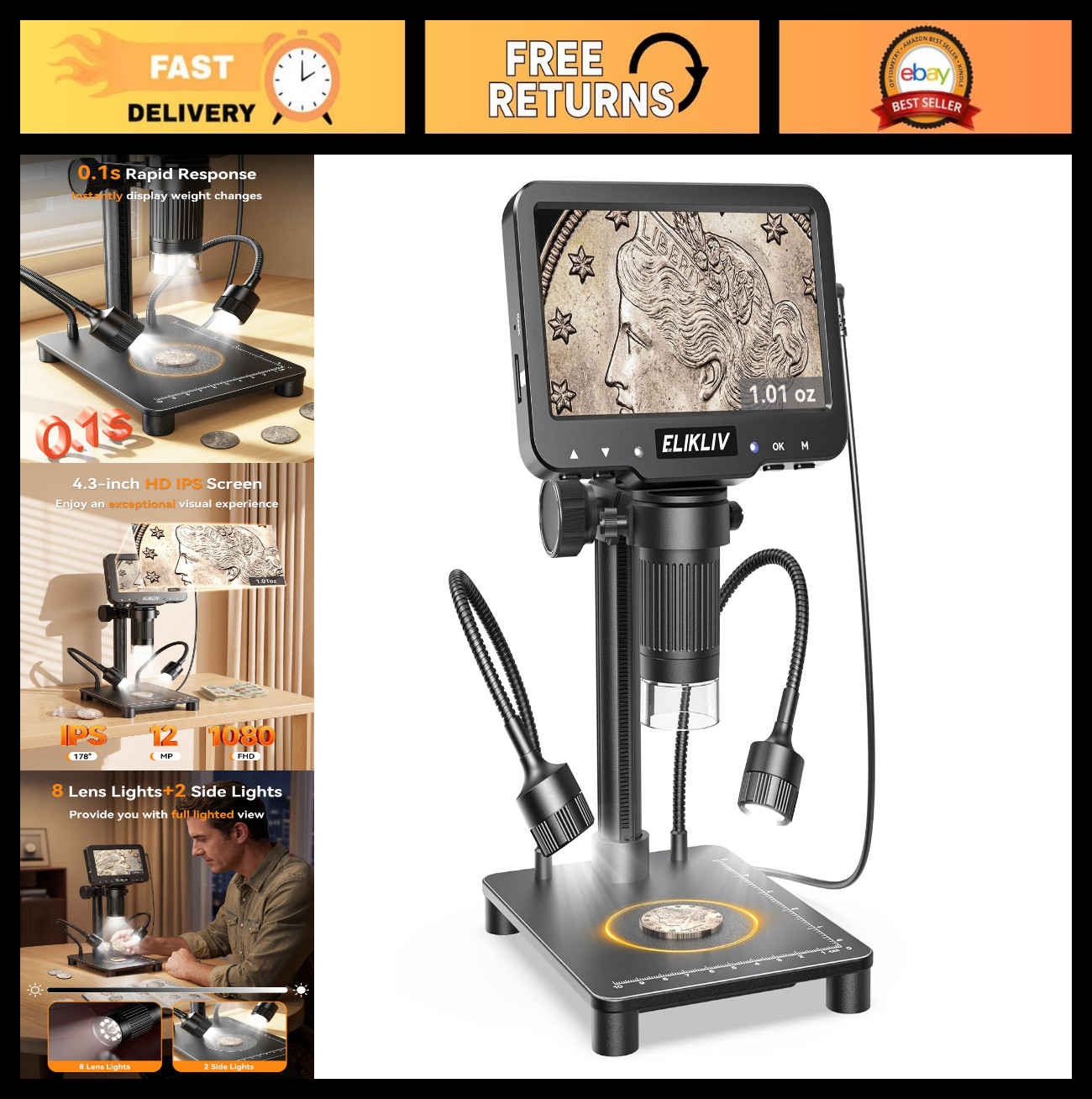 Digital Microscope with Weighing Scale, 12MP Camera, 4.3" LCD, LED Lights - Perf$90.24Last checked Nov 27, 2026View on eBay
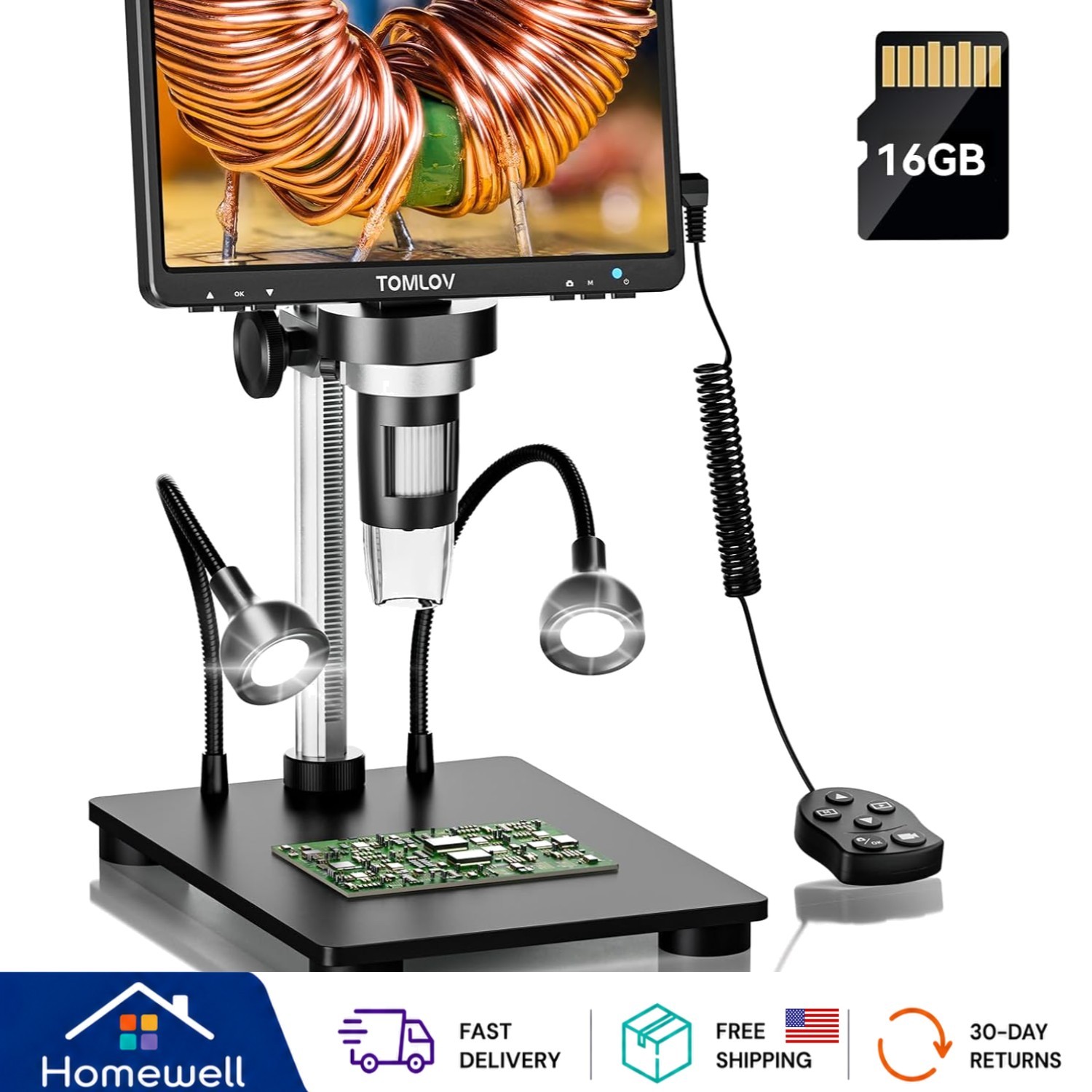 Professional 7" LCD Digital Microscope – 12MP 1200X Magnification for Collectors$151.99View on eBay
Highlights
- True optical magnification is set by the objective lens; digital zoom beyond 4x-5x interpolation adds no real detail, so 1000X labels often mean 50x optical plus digital crop.
- A 4.3-inch LCD is the common entry size; 7-inch and 10-inch screens improve viewing comfort but usually signal a larger stand and higher sensor tier.
- CMOS sensor resolution matters more than screen size: 1080p (2MP) is baseline for PCB work, while 4K (8MP) sensors resolve finer solder joints and coin relief.
- Stand type defines use: flexible-arm stands suit soldering and repair, rigid pillar stands suit coin/insect inspection, and trinocular ports enable camera or monitor output.
Best use cases
- Best fit: PCB repair and soldering — pick a flexible-arm LCD microscope with 1080p sensor, 4.3-7 inch screen, and adjustable LED ring for shadow-free work at 10x-50x.
- Best fit: coin, stamp, and insect inspection — choose a rigid pillar stand with fine-focus rack, 4K sensor, and 7-inch screen for stable high-detail imaging.
- Wrong fit: biological specimen work at cellular level — LCD digital microscopes lack the 40x-100x oil-immersion optics and Köhler illumination of compound microscopes; choose a trinocular compound instead.
- Wrong fit: classroom teaching for multiple viewers — a single small LCD limits group viewing; select a model with HDMI/USB output or a trinocular head for projector or monitor display.
Buying tips
- Match magnification to task: 10x-50x optical covers PCB and coin detail; claims above 200x on fixed-lens LCD models are digital zoom and do not add resolving power.
- Choose sensor by output: 2MP/1080p is adequate for screen viewing, but 8MP/4K is needed if you capture stills for documentation or enlarge coin details.
- Check stand and focus mechanism: a rack-and-pinion fine-focus pillar is essential for inspection; a friction flexible arm is better for soldering angles but drifts under weight.
- Confirm output and power standards: USB-C or micro-USB for PC capture, HDMI for direct monitor, and confirm 100-240V adapter or USB bus power for your region.
Specs
| Screen Size | 4.3 in to 10 in LCD |
|---|---|
| Sensor Resolution | 1080p (2MP) to 4K (8MP) |
| Optical Magnification | 10x-50x true; above is digital |
| Stand Type | Flexible arm vs pillar rack |
Related searches
What to check before buying
- Measure your workspace: flexible-arm models need 12-18 inches of clearance and a clamped or weighted base; pillar stands need a flat footprint of at least 8x10 inches.
- Confirm your outlet and plug standard (US Type A/B, EU Type C/F) and whether the unit runs on USB bus power or a dedicated DC adapter.
- Verify the screen size fits your viewing distance: 4.3-inch screens suit close work under 2 feet; 7-inch and larger suit shared or arm's-length viewing.
- Check whether a stand clamp, calibration target, or HDMI cable is included, since these companion parts are often sold separately and affect setup cost.
FAQ
Data sources: eBay / Amazon listings and product attribute feeds. Updated Nov 28, 2026.
Some links on this page are affiliate links. If you buy after clicking one, we may earn a commission at no extra cost to you. This does not change which products appear here or their order. Affiliate disclosure.