
Photos from current listings. Actual item, color, and included accessories may vary.
Signal Spectrum Analyzer Buying Guide
A signal spectrum analyzer is an RF test instrument that displays amplitude versus frequency, letting you see carriers, harmonics, interference, and modulation quality. The core trade-off is frequency range and resolution bandwidth versus calibration accuracy and front-end durability: hobby-grade analyzers trade absolute accuracy and overload protection for low cost and portability. The decision rule is simple: choose a calibrated bench analyzer with a tracking generator for compliance or production work, and a handheld/portable analyzer only for field troubleshooting within its specified safe input range.
Median $221.20 · Pre-owned listings
Key takeaways
- Frequency coverage tiers separate analyzer classes: entry handhelds cover roughly 100 kHz–1.5 GHz, mid-tier units reach 5.4–7.3 GHz, and bench analyzers extend to 3–26.5 GHz or higher.
- Resolution bandwidth (RBW) and phase noise determine whether closely spaced signals are separable; narrow RBW (10 Hz–1 kHz) reveals adjacent-channel and harmonic detail that wide RBW misses.
- Front-end max safe input (often +10 to +20 dBm) and damage level dictate whether you need external attenuators or a DC block before probing transmitters.
At a glance
- Category
- Oscilloscopes, Signal & Spectrum Analyzers
- Last updated
- Nov 28, 2026
Current offers
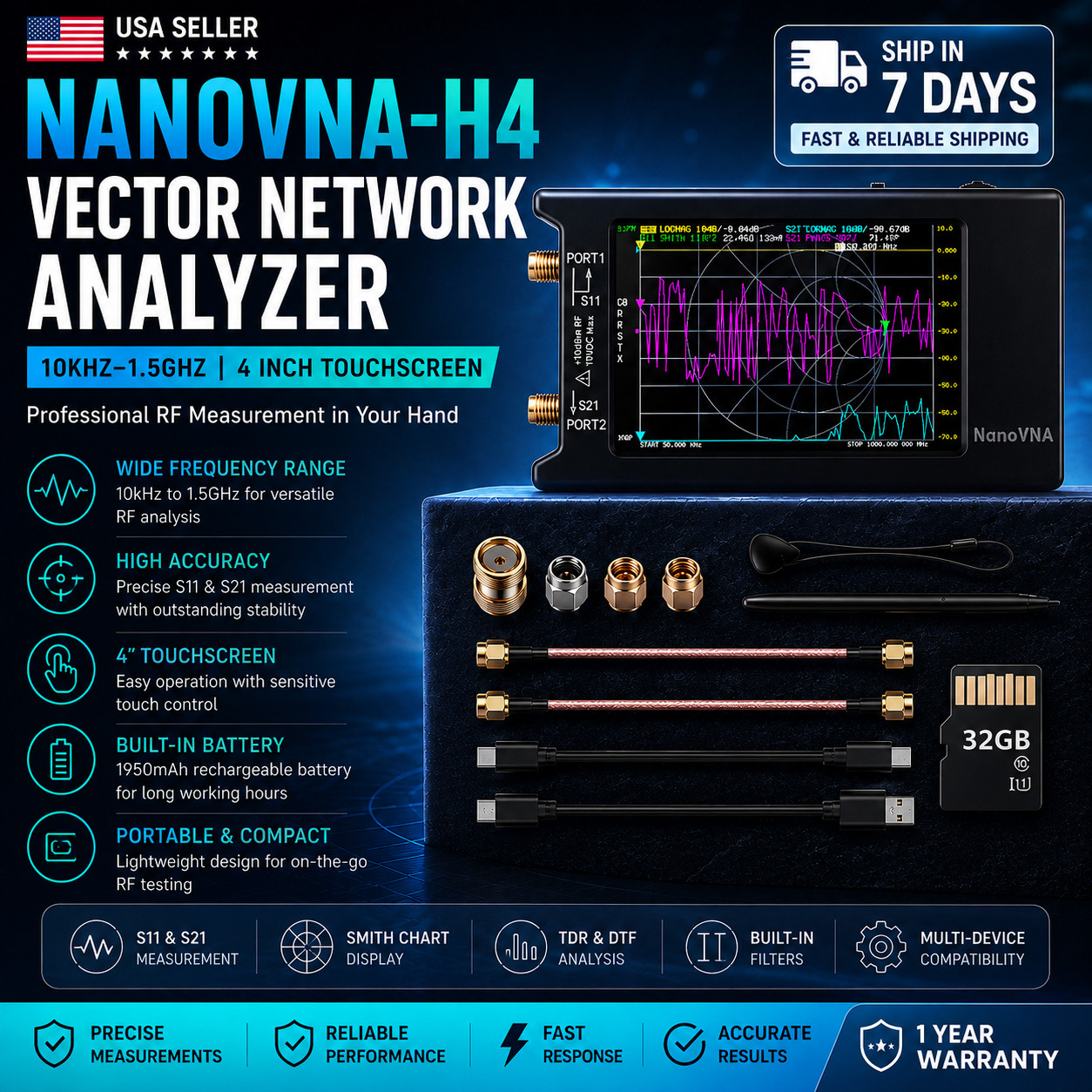 Spectrum Analyzer 4" TinySA Ultra+ ZS407 10kHz-1.5GHz RF Signal Generator 32GB!!$199.00View on eBay
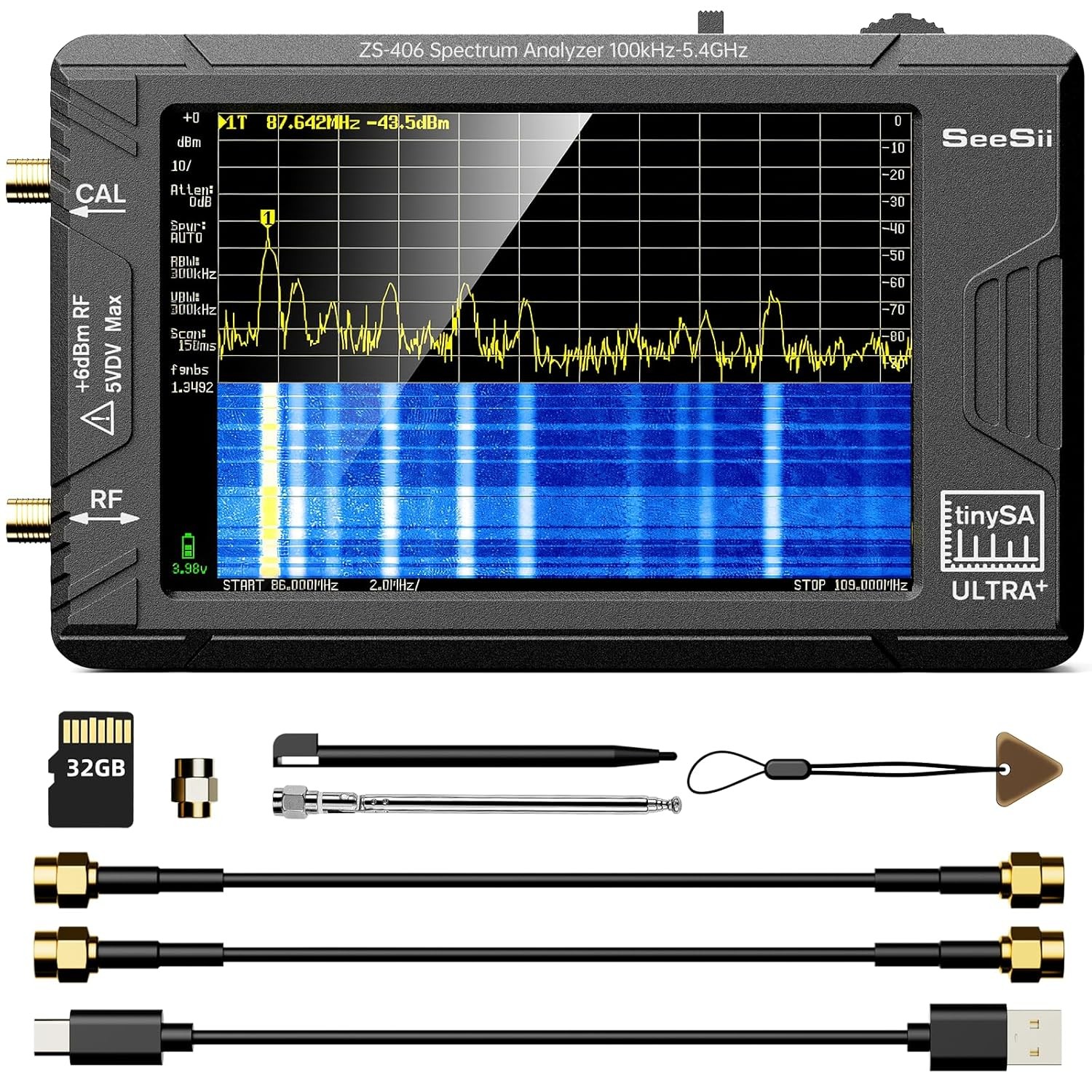 TinySA Ultra+ ZS406 Spectrum Analyzer 100kHz-5.4GHz 4" ,2 in 1 Signal Generator$203.41Last checked Nov 28, 2026View on eBay
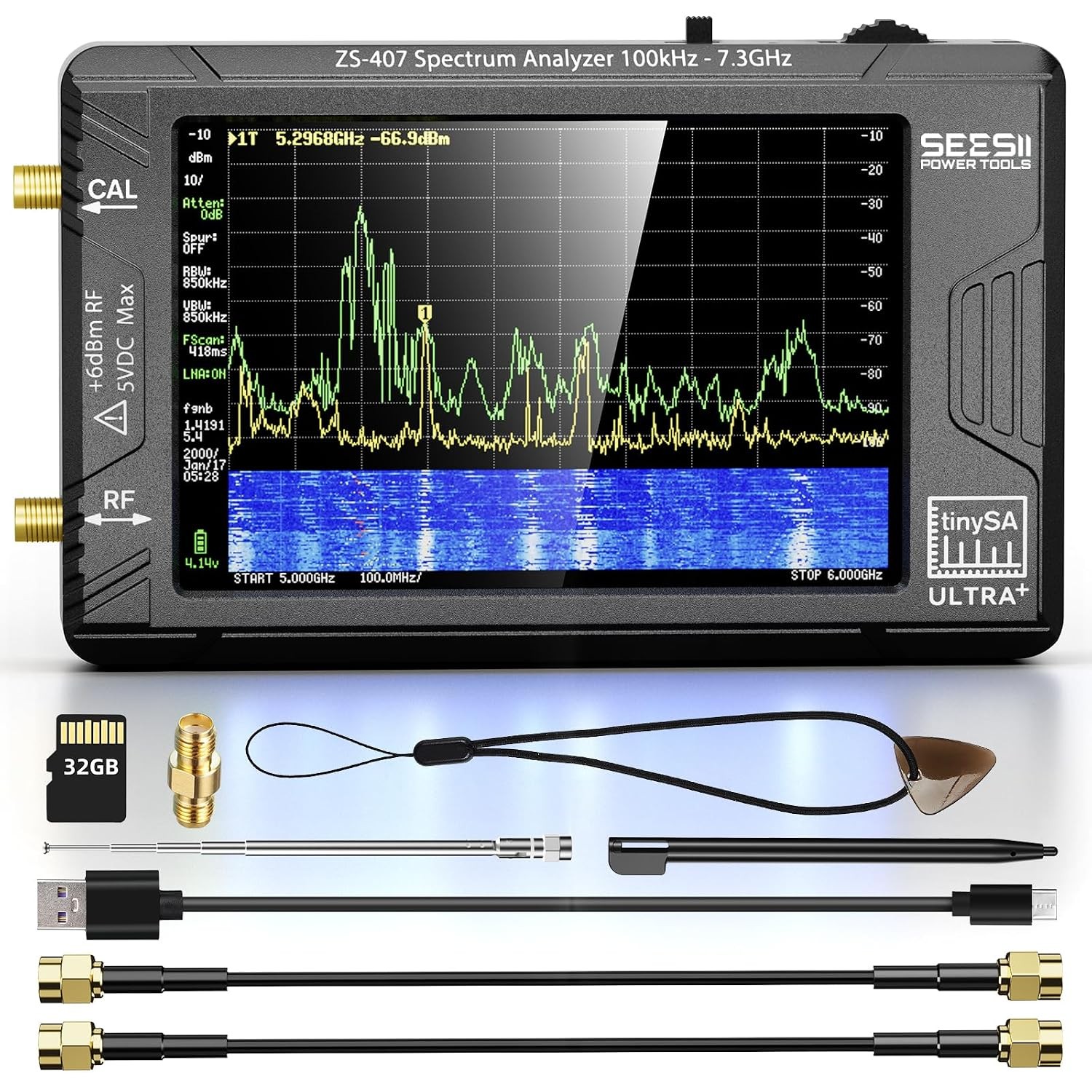 TinySA Ultra+ ZS407 Spectrum Analyzer Signal Generator 4" 100kHz-7.3GHz +32GB$239.00Last checked Nov 16, 2026View on eBay
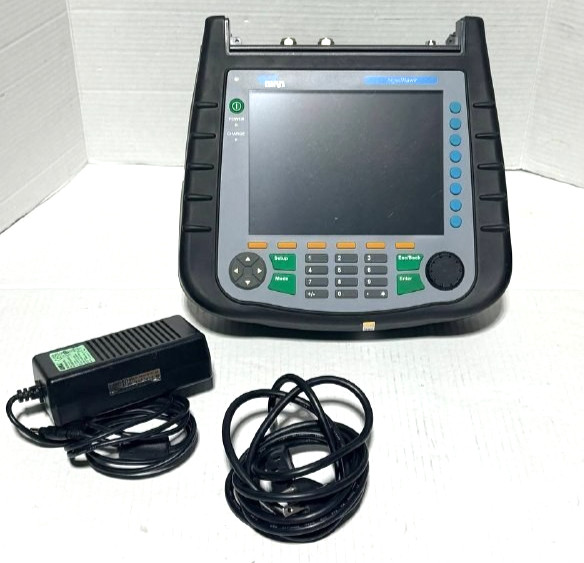 Bird SignalHawk SH-361S Signal Spectrum Analyzer &Vector Network Analyzer$999.95Used · Last checked Nov 21, 2026View on eBay
Highlights
- Frequency coverage tiers separate analyzer classes: entry handhelds cover roughly 100 kHz–1.5 GHz, mid-tier units reach 5.4–7.3 GHz, and bench analyzers extend to 3–26.5 GHz or higher.
- Resolution bandwidth (RBW) and phase noise determine whether closely spaced signals are separable; narrow RBW (10 Hz–1 kHz) reveals adjacent-channel and harmonic detail that wide RBW misses.
- Front-end max safe input (often +10 to +20 dBm) and damage level dictate whether you need external attenuators or a DC block before probing transmitters.
- Tracking generators and built-in signal generators turn a spectrum analyzer into a scalar network analyzer for filter, cable, and antenna return-loss sweeps.
Best use cases
- Best fit: handheld 100 kHz–1.5 GHz analyzer for Wi-Fi, Bluetooth, LoRa, and sub-GHz ISM band interference hunting in the field; skip bench analyzers if portability and battery life matter most.
- Best fit: 5.4–7.3 GHz portable analyzer with signal generator for 5 GHz Wi-Fi, drone video, and microwave link checks; choose the higher-frequency model only if you actually work above 5.4 GHz.
- Best fit: bench spectrum analyzer with tracking generator for filter tuning, amplifier harmonic measurement, and EMC pre-compliance; skip handhelds when you need calibrated absolute amplitude and low phase noise.
- Wrong fit: using any analyzer beyond its rated max input without an attenuator — this permanently damages the front end; add a 20–30 dB attenuator and DC block for transmitter measurements.
Buying tips
- Match frequency range to your highest signal of interest with 20–30% headroom; a 1.5 GHz analyzer cannot see 2.4 GHz Wi-Fi harmonics, so step up to the 5.4–7.3 GHz tier if you work in 2.4/5 GHz bands.
- Check resolution bandwidth and DANL (displayed average noise level): for weak-signal work choose a model with RBW down to 1 kHz or narrower and DANL below -110 dBm.
- Confirm input connector type and impedance (SMA or N-type, 50 ohm) and budget for adapters; 75 ohm TV/cable work requires a matching transformer or dedicated analyzer.
- For generator-equipped models, verify output level range and frequency accuracy; a built-in signal generator is only useful if it covers the same band and has calibrated output to -100 dBm or lower.
Specs
| Frequency Range | 100 kHz–1.5 GHz to 7.3 GHz |
|---|---|
| Resolution Bandwidth | 10 Hz–1 MHz (narrower = better) |
| Max Safe Input | +10 to +20 dBm (use attenuator) |
| Tracking Generator | Optional / built-in signal gen |
Related searches
What to check before buying
- Measure your maximum expected input power and add 10 dB margin; if it exceeds the analyzer's safe input, plan for an external attenuator and DC block.
- Confirm connector gender and type (SMA female, N-type) and order the right test cables and adapters before first use.
- Check battery life and charging standard (USB-C vs barrel jack) for field use, and confirm the analyzer supports your region's plug voltage.
- Verify PC connectivity (USB or LAN) and software compatibility if you need to log sweeps or automate measurements.
FAQ
Data sources: eBay / Amazon listings and product attribute feeds. Updated Nov 28, 2026.
Some links on this page are affiliate links. If you buy after clicking one, we may earn a commission at no extra cost to you. This does not change which products appear here or their order. Affiliate disclosure.